Check out the full tutorial video on sales orders here.
Navigate to Customers > Look Up Orders and Invoices
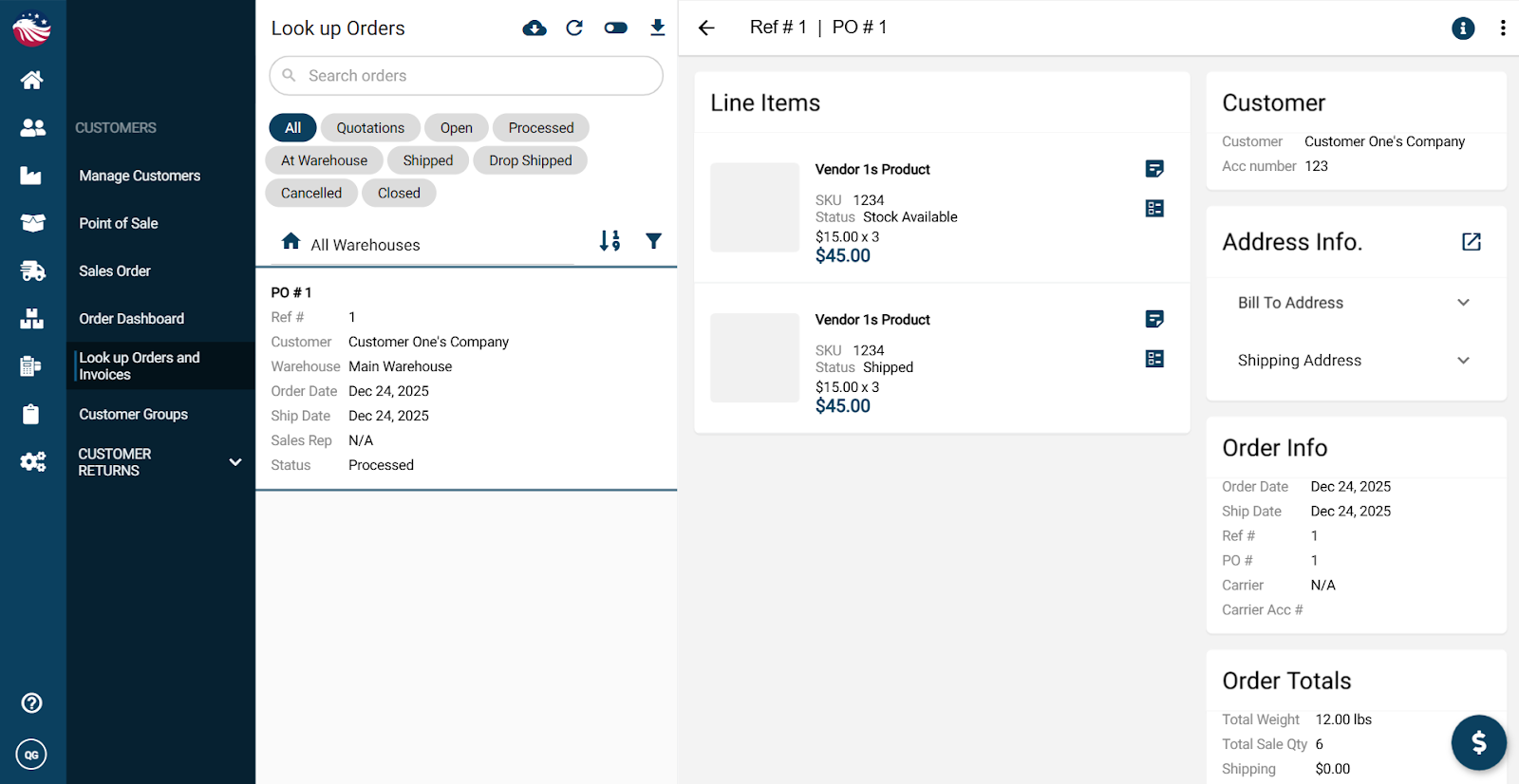
Bird’s Eye View: Use the toggle beside the refresh icon to switch between Look up Orders and Look Up Invoices
If the invoice wasn’t paid earlier, you can accept payment on the Look up Orders screen using the money icon in the bottom right
