Check out the full tutorial video here.
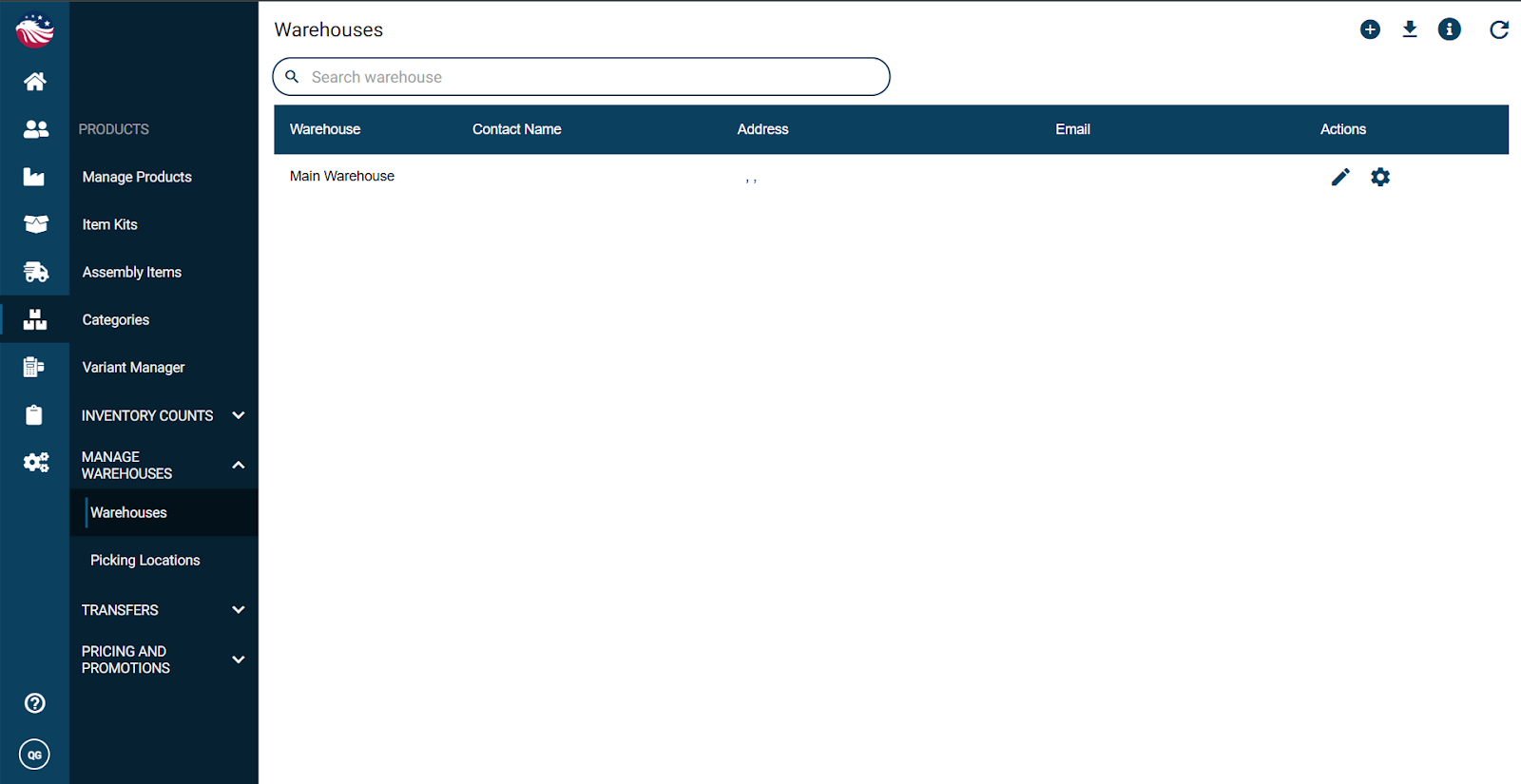
Navigate to Products > Manage Warehouses > Warehouses
Click the plus icon
Enter the warehouse details and click Proceed
Confirm, then click Add Warehouse
Click X to exit and view your new warehouse in the list
To edit later, click the pencil icon on that warehouse row