Check out the full tutorial video here.
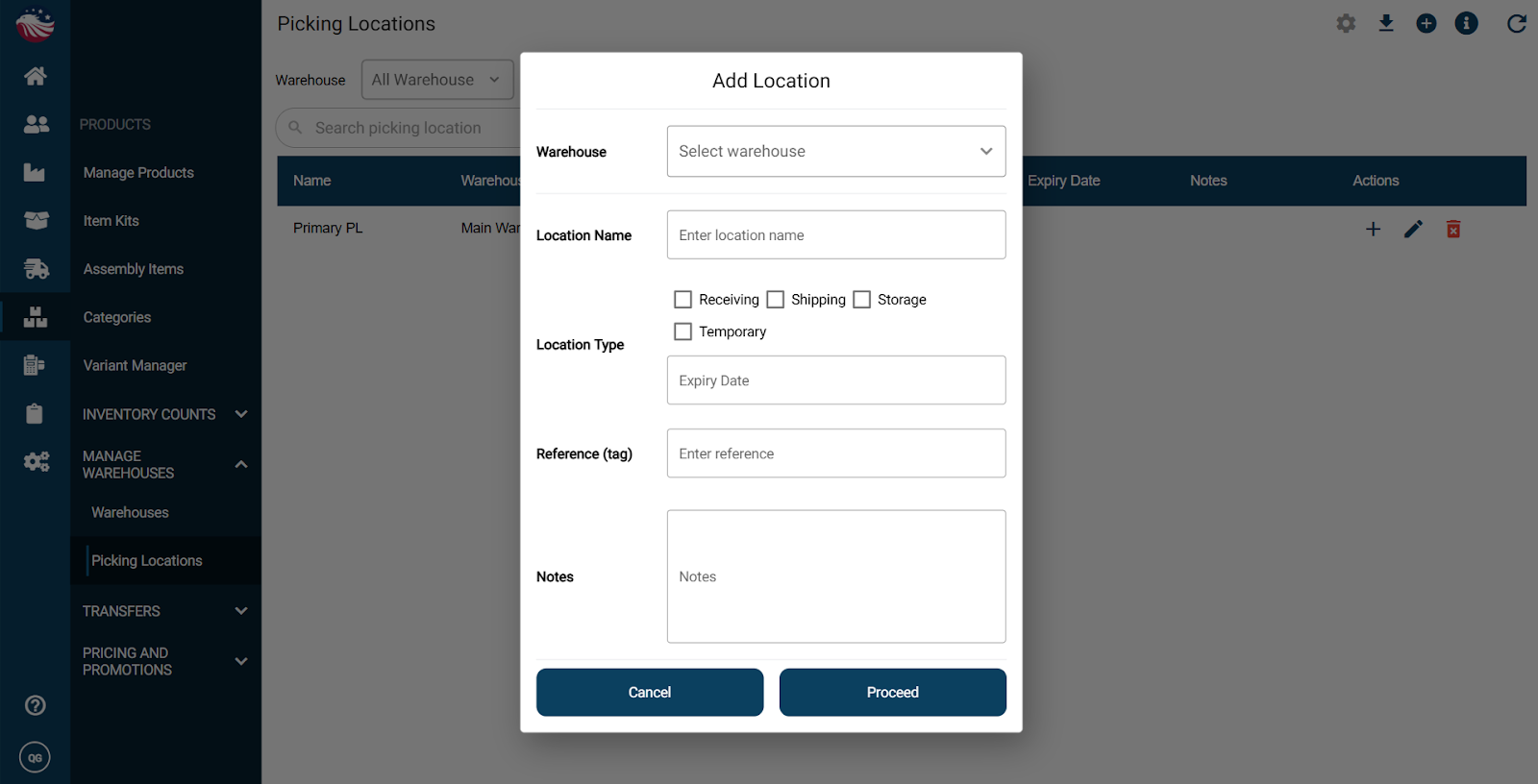
Navigate to Products > Manage Warehouses > Picking Locations
Optional: use the warehouse dropdown to filter to a specific warehouse’s picking locations
Click the plus icon
Select the warehouse and enter a location name
Choose a location type: receiving, shipping, storage, or temporary
Click Proceed, then click Add Location