QuickBooks Online Import
Check out the video here.
Before you start, make sure you’re logged into QuickBooks Online as a Super Admin.
In Eagle, go to Settings > Integrations > QuickBooks
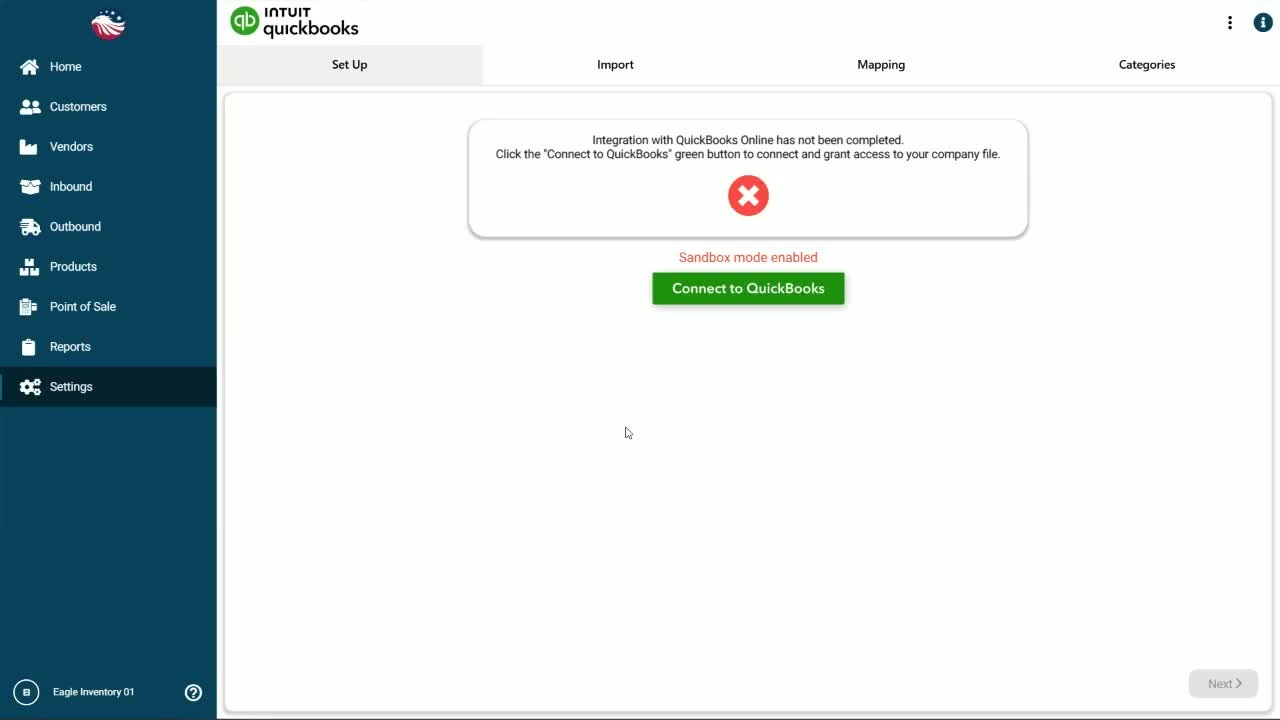
Click Connect to QuickBooks (green button)
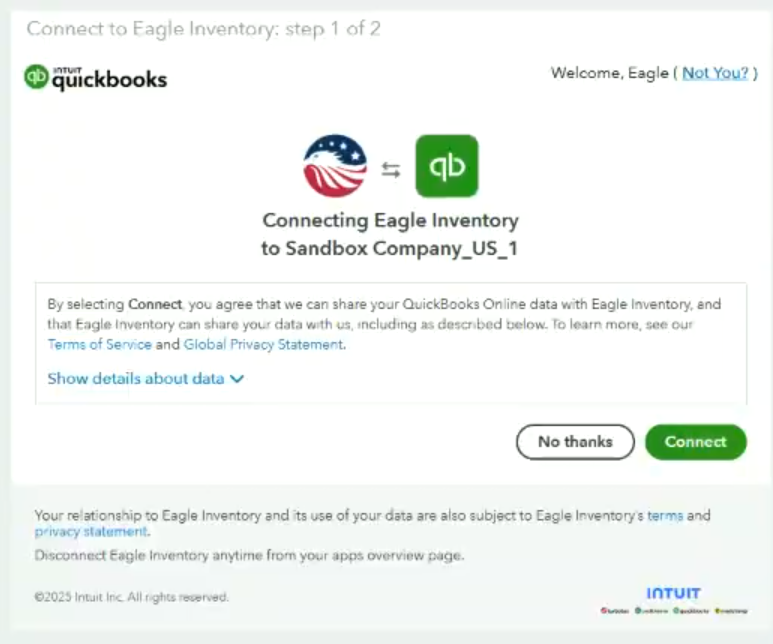
You’ll be redirected to QuickBooks. Click Connect to approve the connection
Let’s do a quick check to confirm it worked. Back in Eagle, return to Settings > Integrations > QuickBooks and confirm you see the connection details. Click the gear icon (top right) and make sure the Company ID matches the right QuickBooks company.
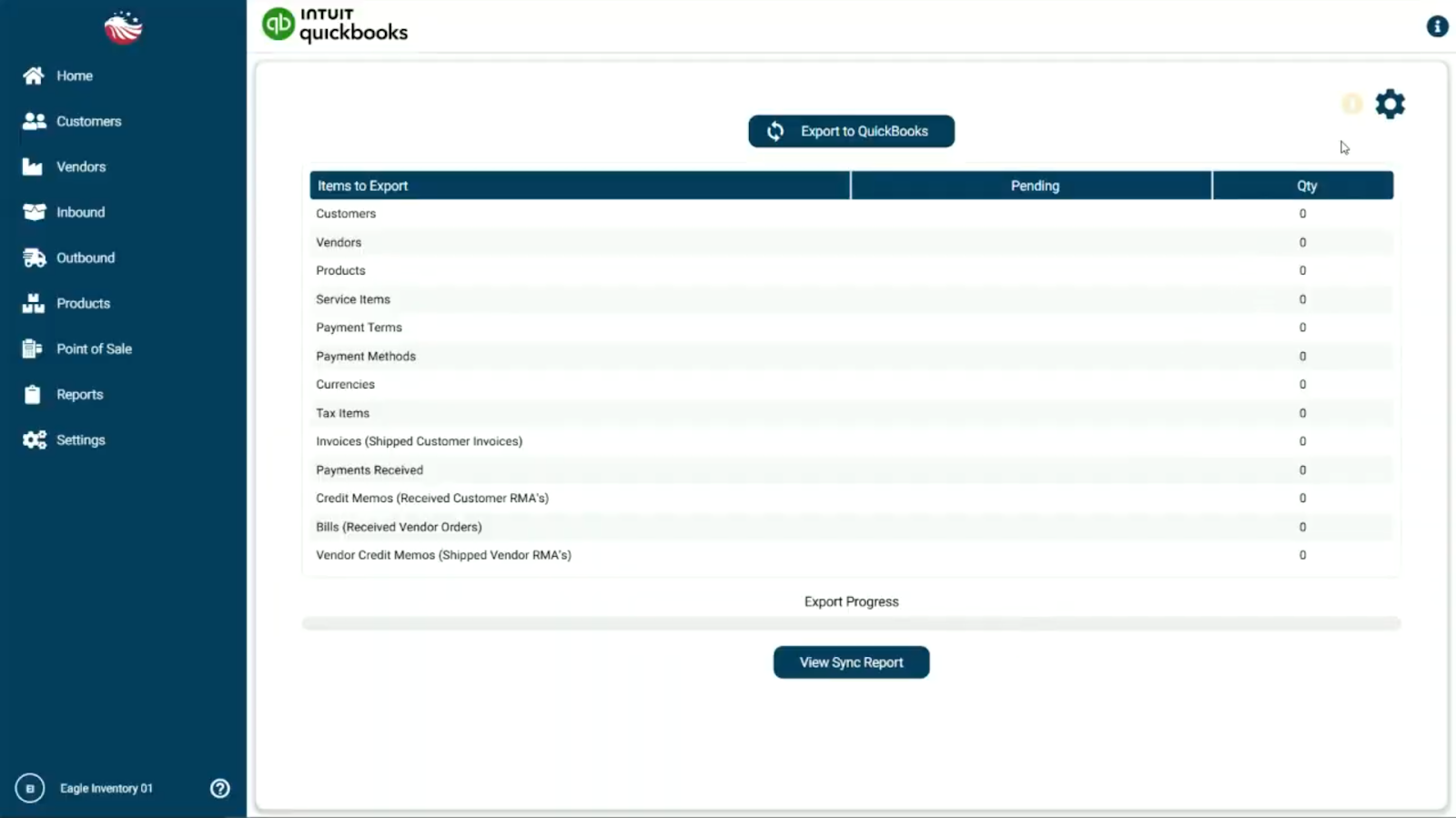
Now it’s time to run the import.
Click the Import tab
Choose Initial QuickBooks Import
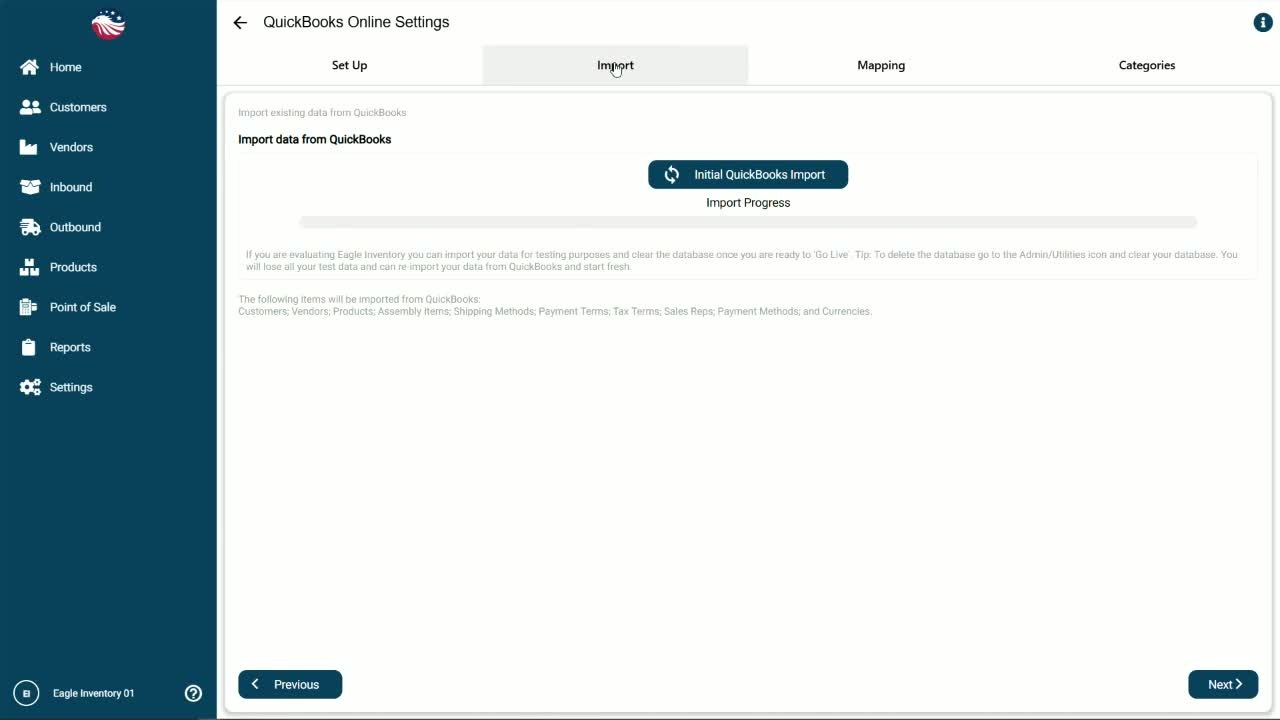
Import time depends on how much data you have.
Good to know: Eagle will import your inventory items, service items, and non-inventory items. Some item types and transactions may not import (for example, assembly items and transactions).
