Check out the full tutorial video here.
Bird’s Eye View: An inventory adjustment is a manual correction to your stock levels, for things like damage, waste, theft, or data entry mistakes.
Stay on Products > Manage Products
Click the product picking location area (near where you see “Total” and “Available”)
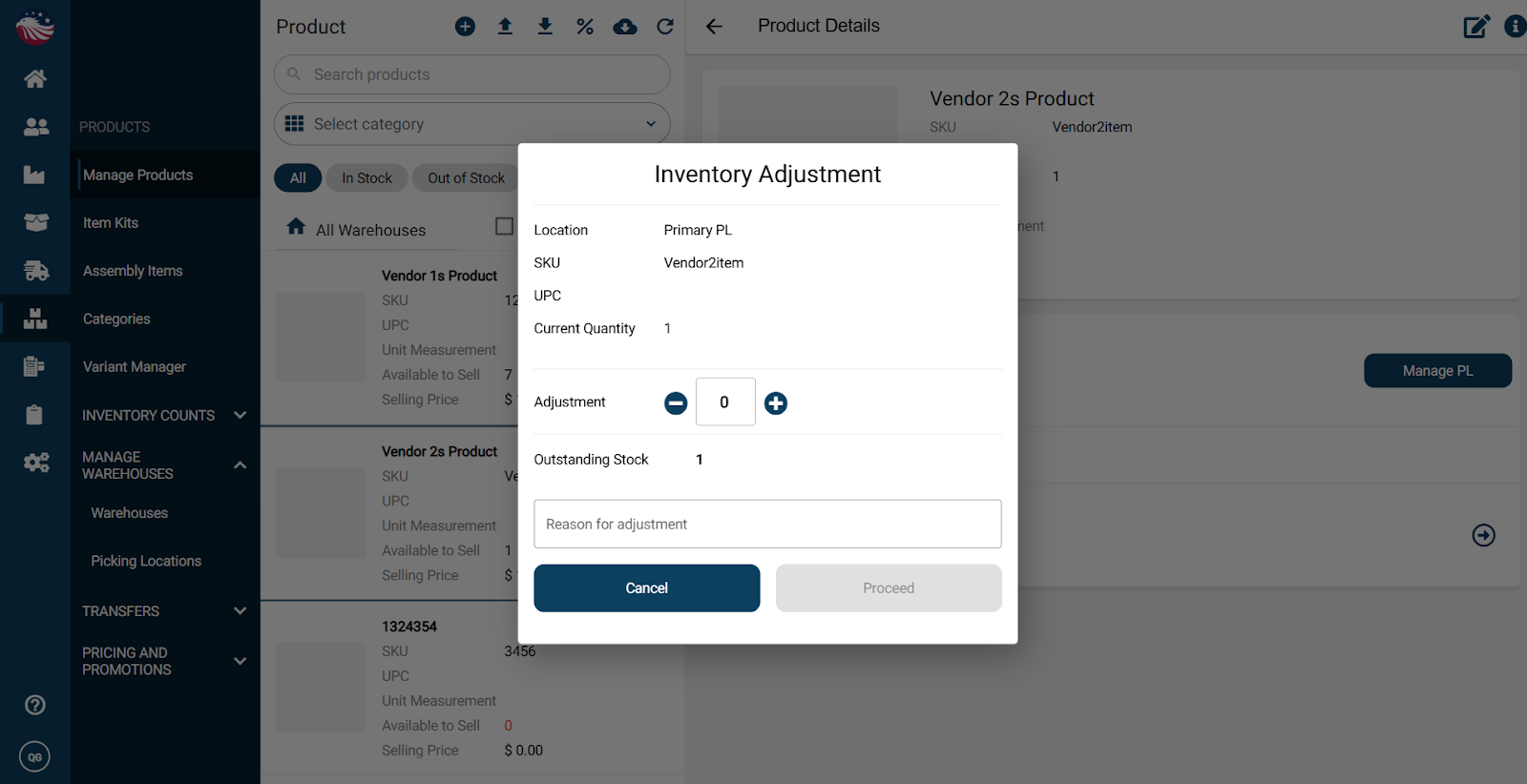
Enter the adjustment amount (positive or negative) and the reason
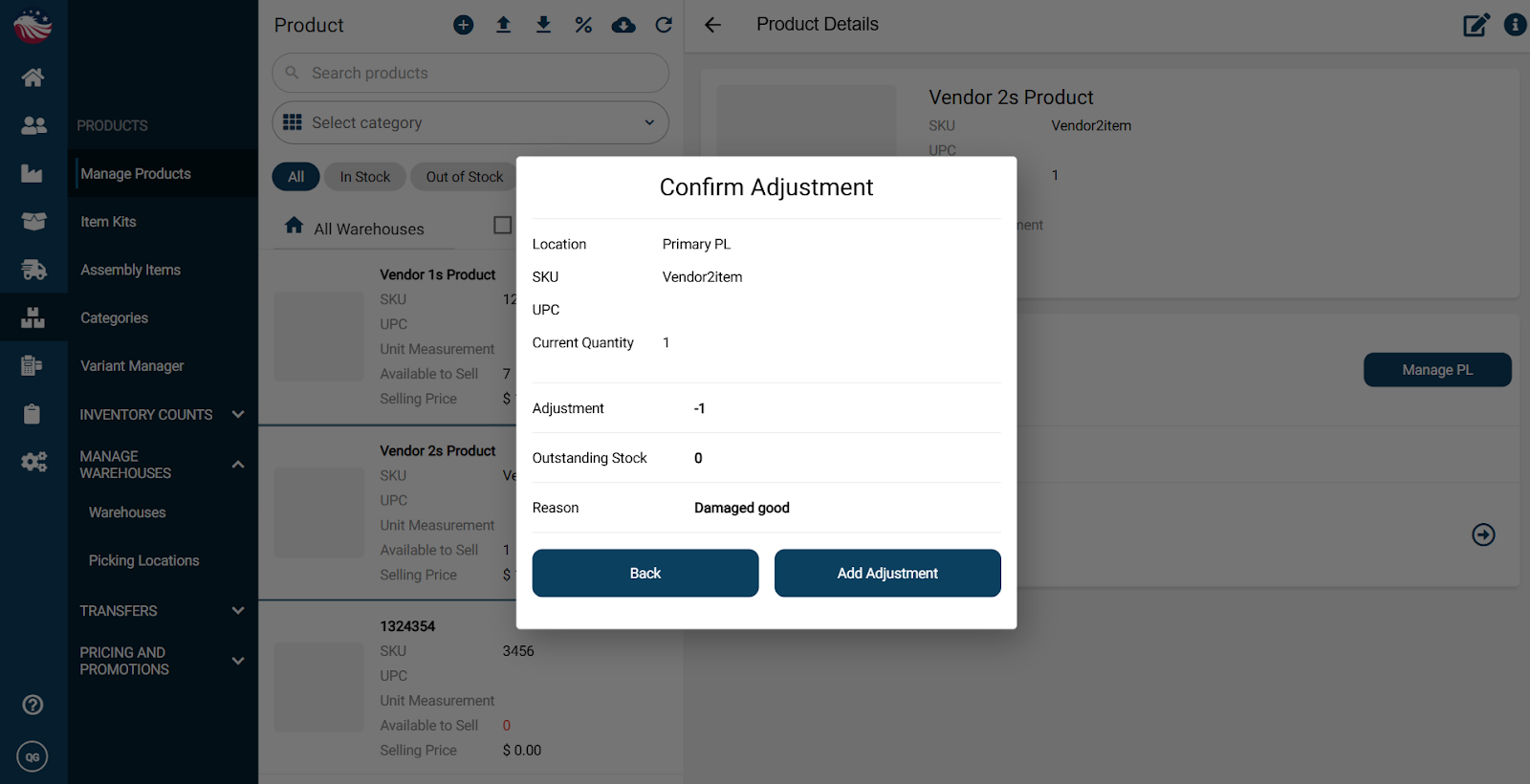
Click Proceed, confirm, then click Add Adjustment