Where does the Vendor PO go after creating a backorder?
The system just created a Vendor PO for you automatically based on that demand!
To see it, go to the Customers > Look up Orders and Invoices screen, click the order, and then select the three dots in the corner and click Related POs.
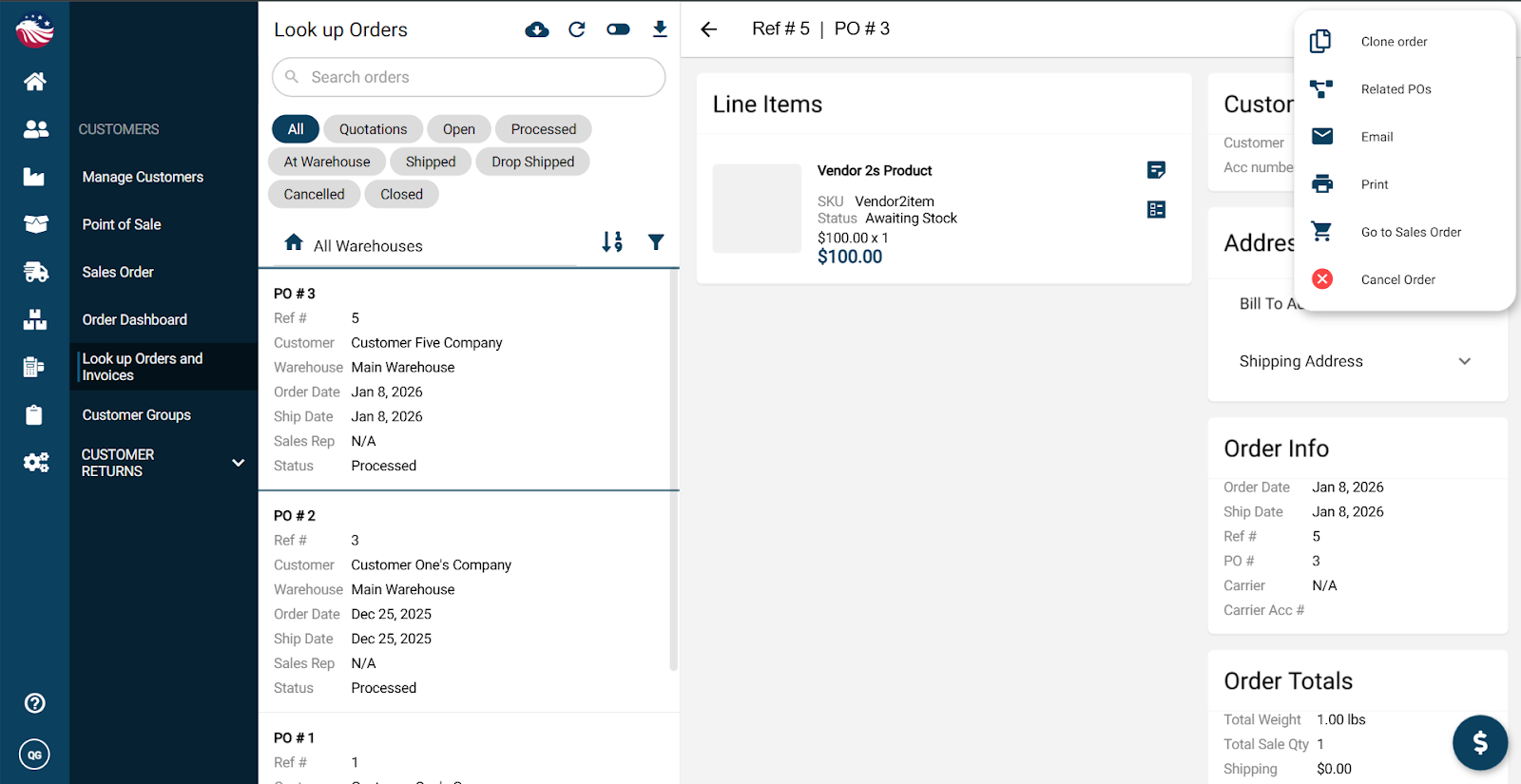
Bird’s Eye View: If you’re not seeing your orders, you might be on the Look up Invoices tab. Hit the toggle switch at the top of the screen beside the refresh button to switch between the views.
