Check out the video here.
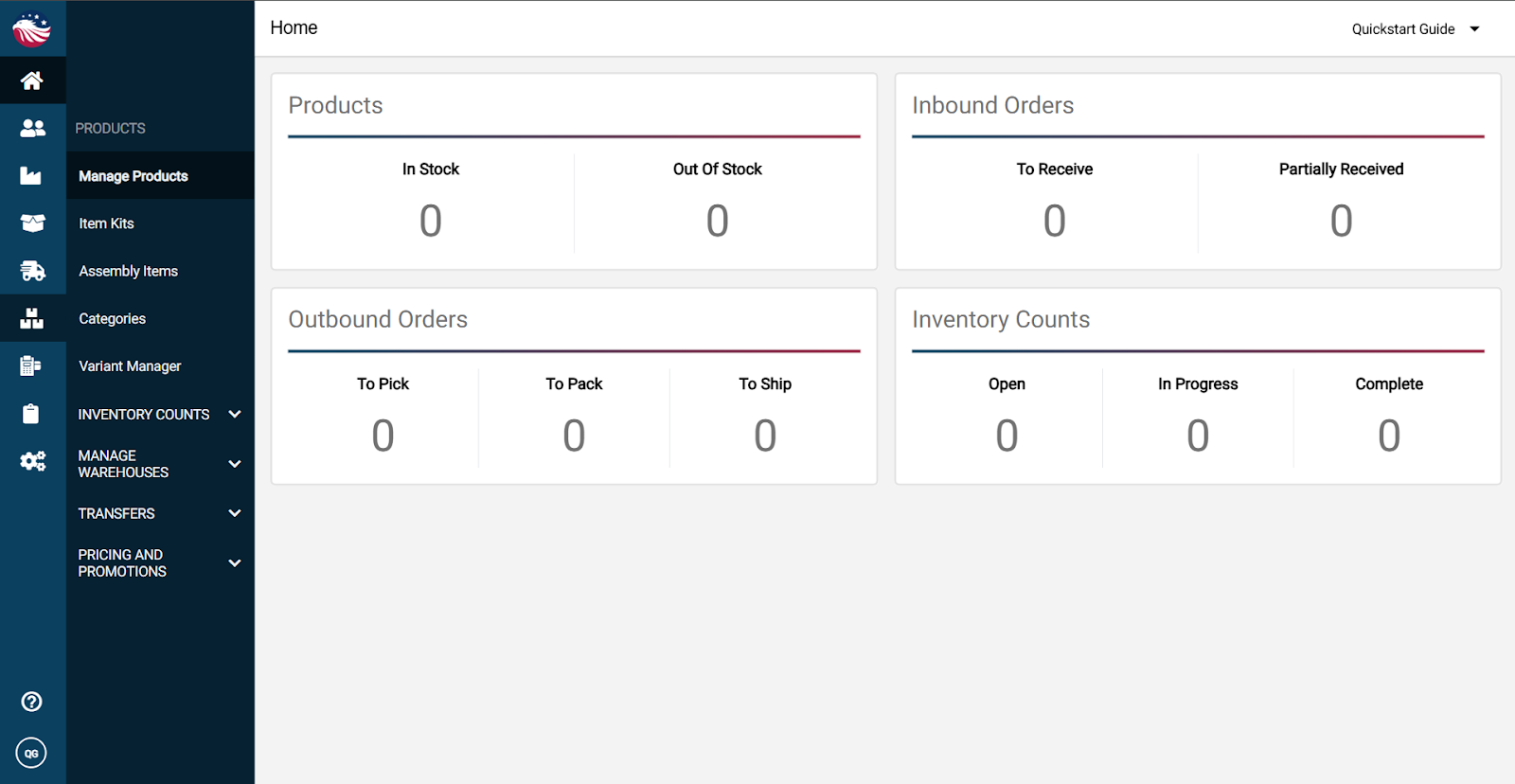
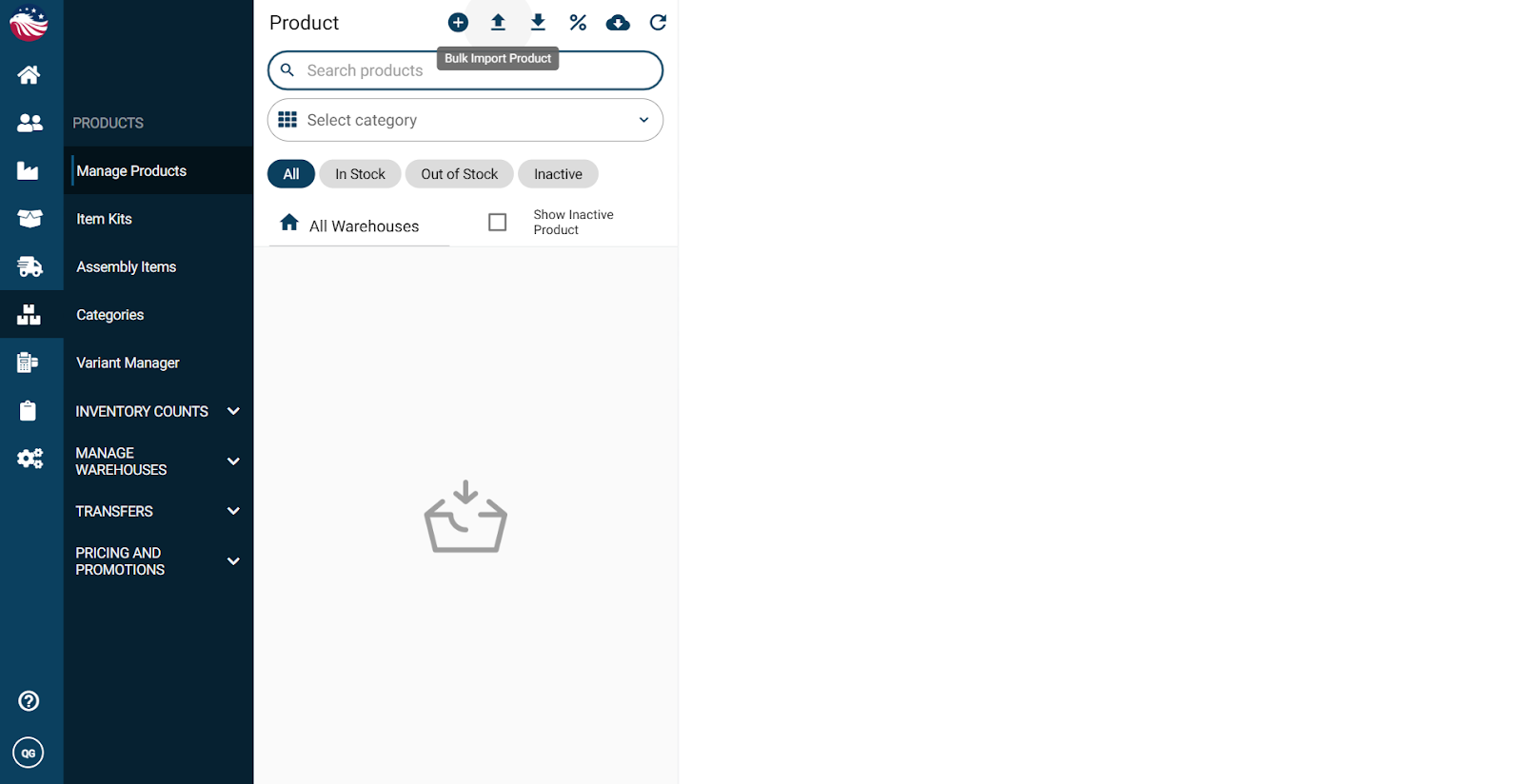
Go to Products > Manage Products
Click Bulk Import Product (the upload arrow)
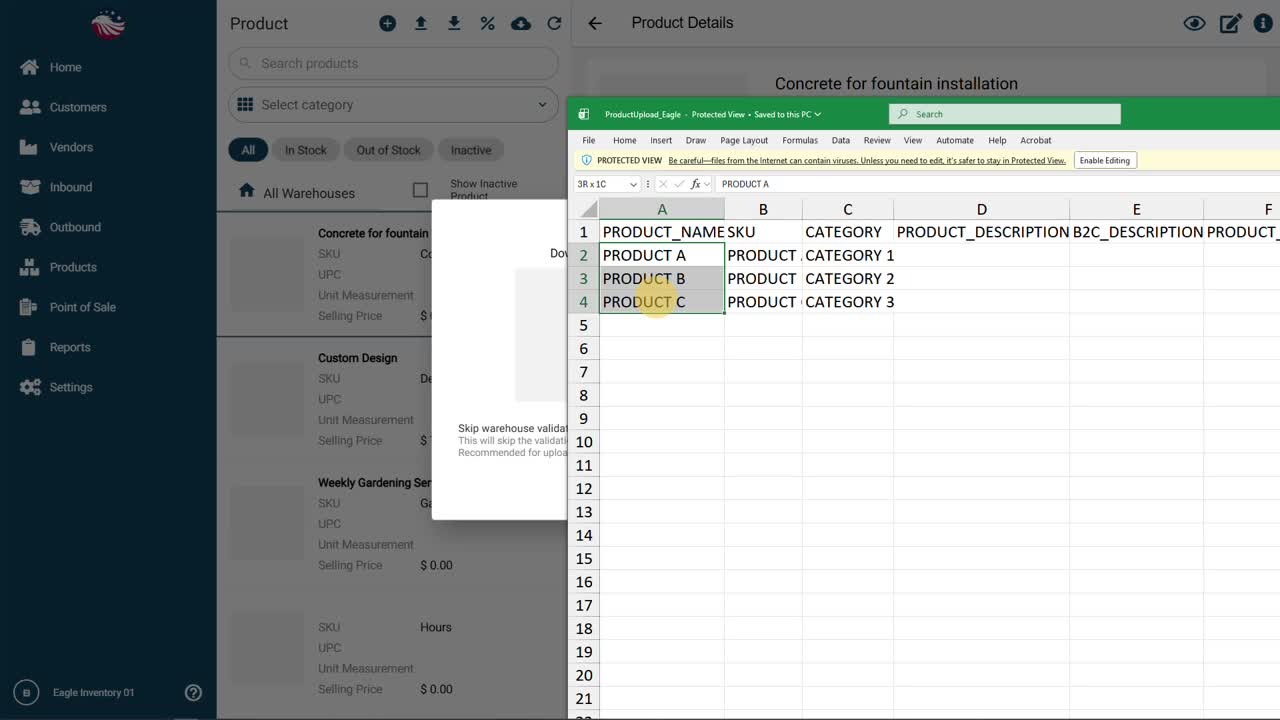
To make this painless, we provide a spreadsheet template.
Download the template
Copy in your product info
Fill the required fields (like SKU and Product Name)
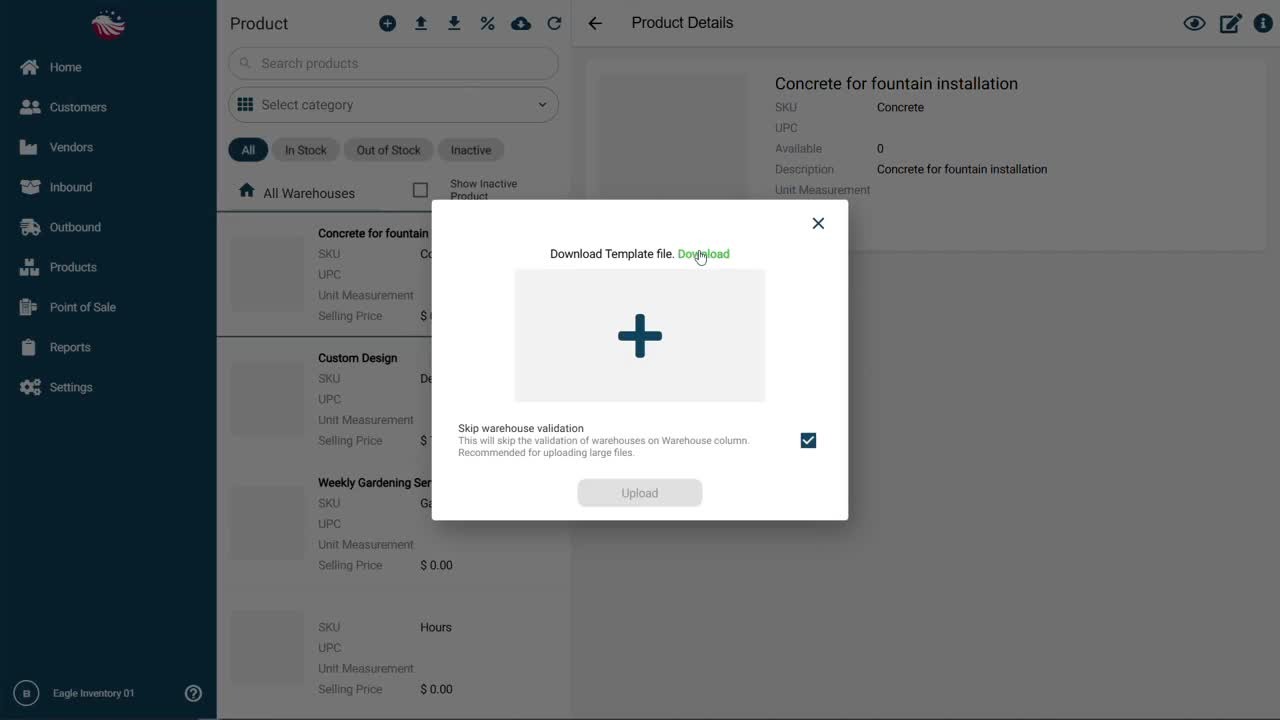
Now bring it into Eagle:
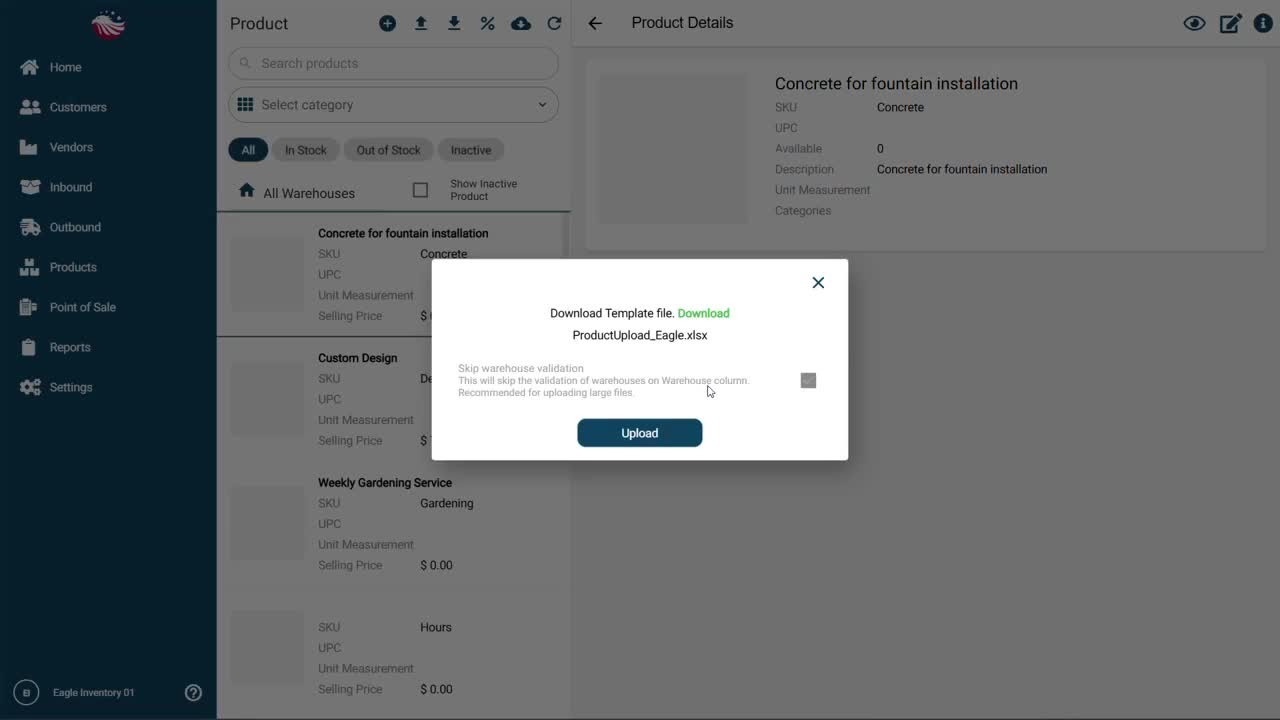
Click Select Product File
Choose your file
Click Upload
Nice! Take a quick look at your product list and confirm everything came in the way you expected.
Go to Customers > Manage Customers
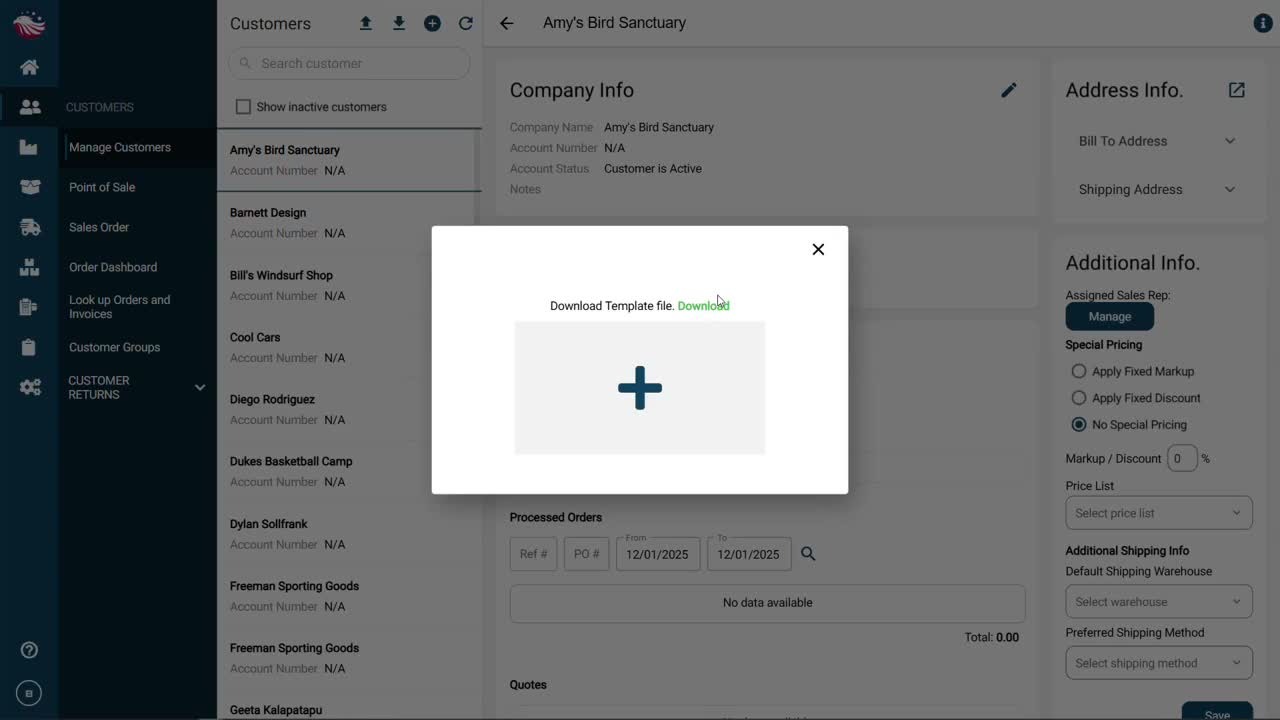
Click Import Customers
Download the customer template and fill it in
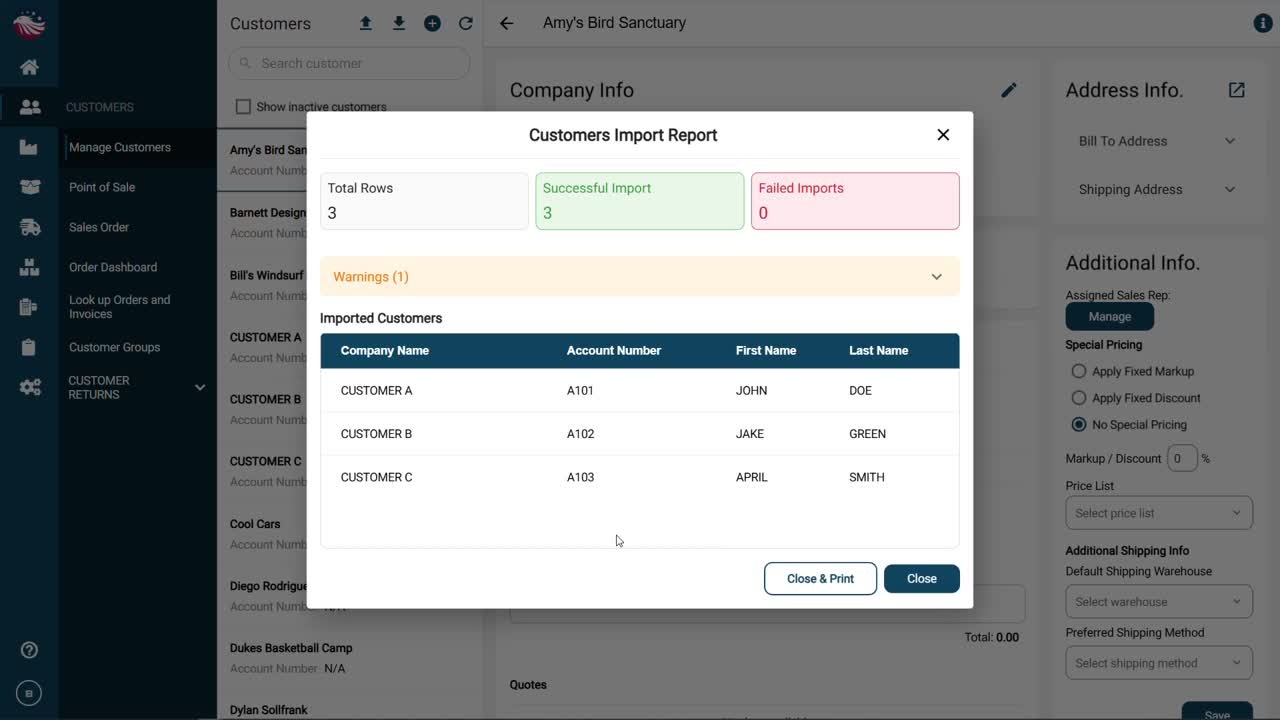
Click Upload, then review the preview before confirming
Once the import finishes, scan your customer list to make sure it looks right.
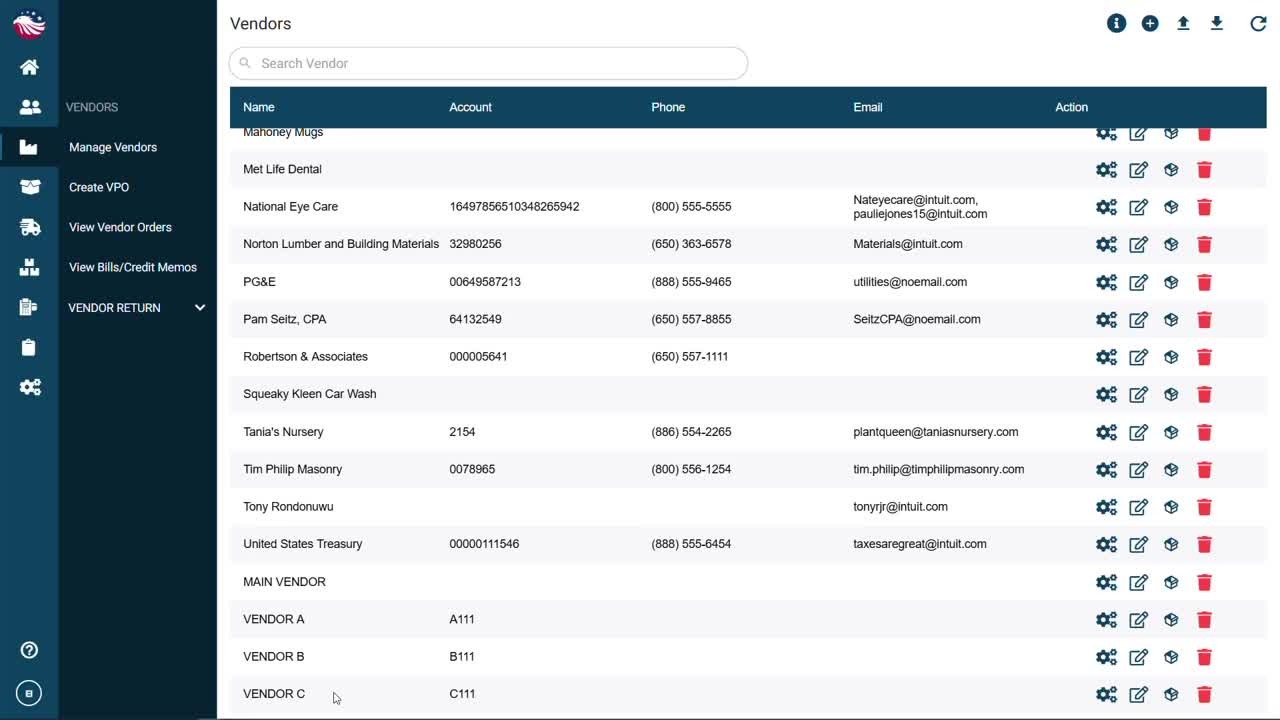
Go to Vendors > Manage Vendors
Click Bulk Import Vendors
Download the vendor template, fill it in, then Upload
After import, your vendor list should populate and you’re ready to start purchasing.