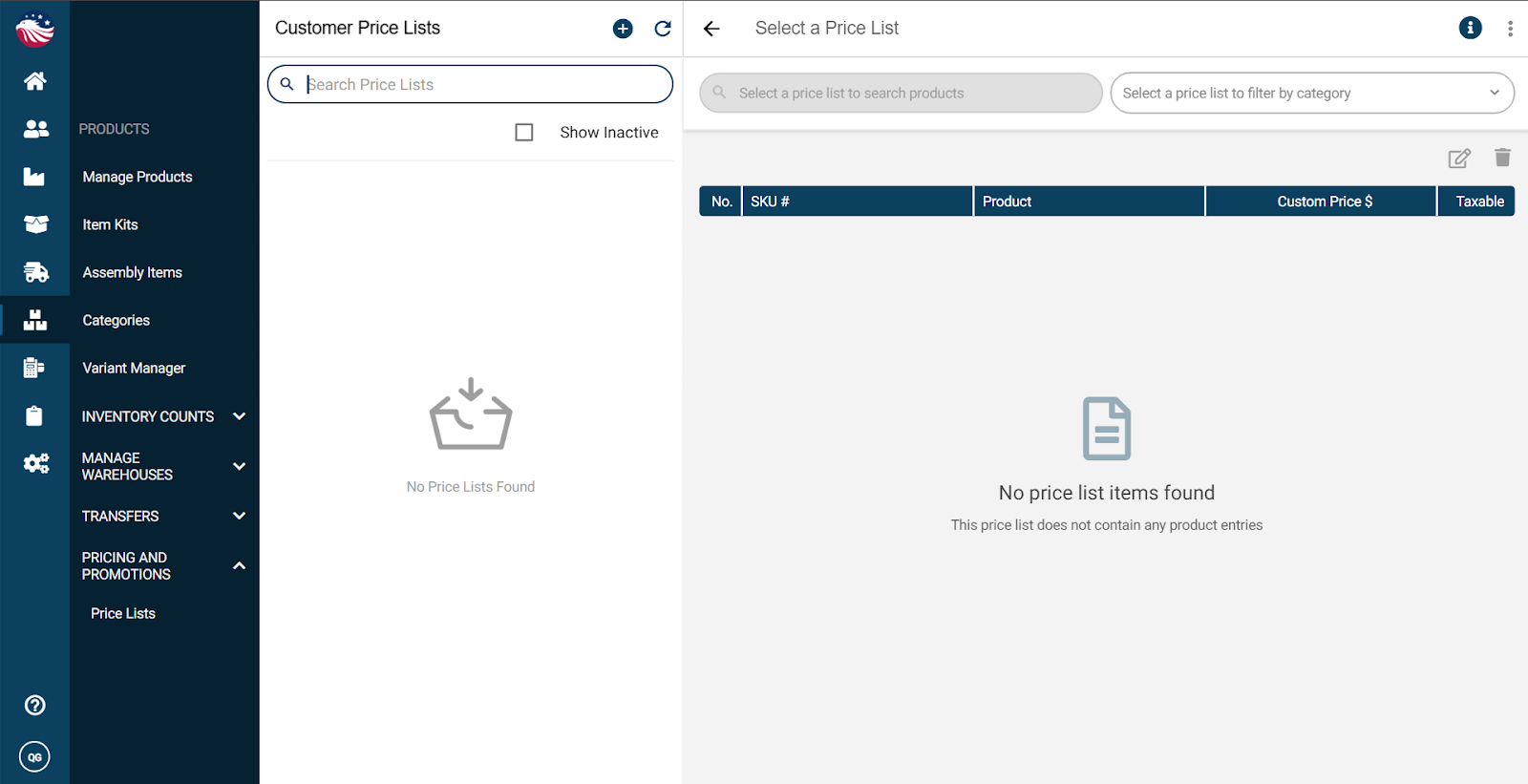
Navigate to Products > Pricing and Promotions > Price Lists.
Click the Plus Icon.
Name the price list (e.g., "Wholesale"), and set a valid date range (or let it never expire).
Add Products: Select the items you want on this list.
Set the Price: You can set the Margin % or the Markup % or the Discount % for the new price or manually enter a new price.
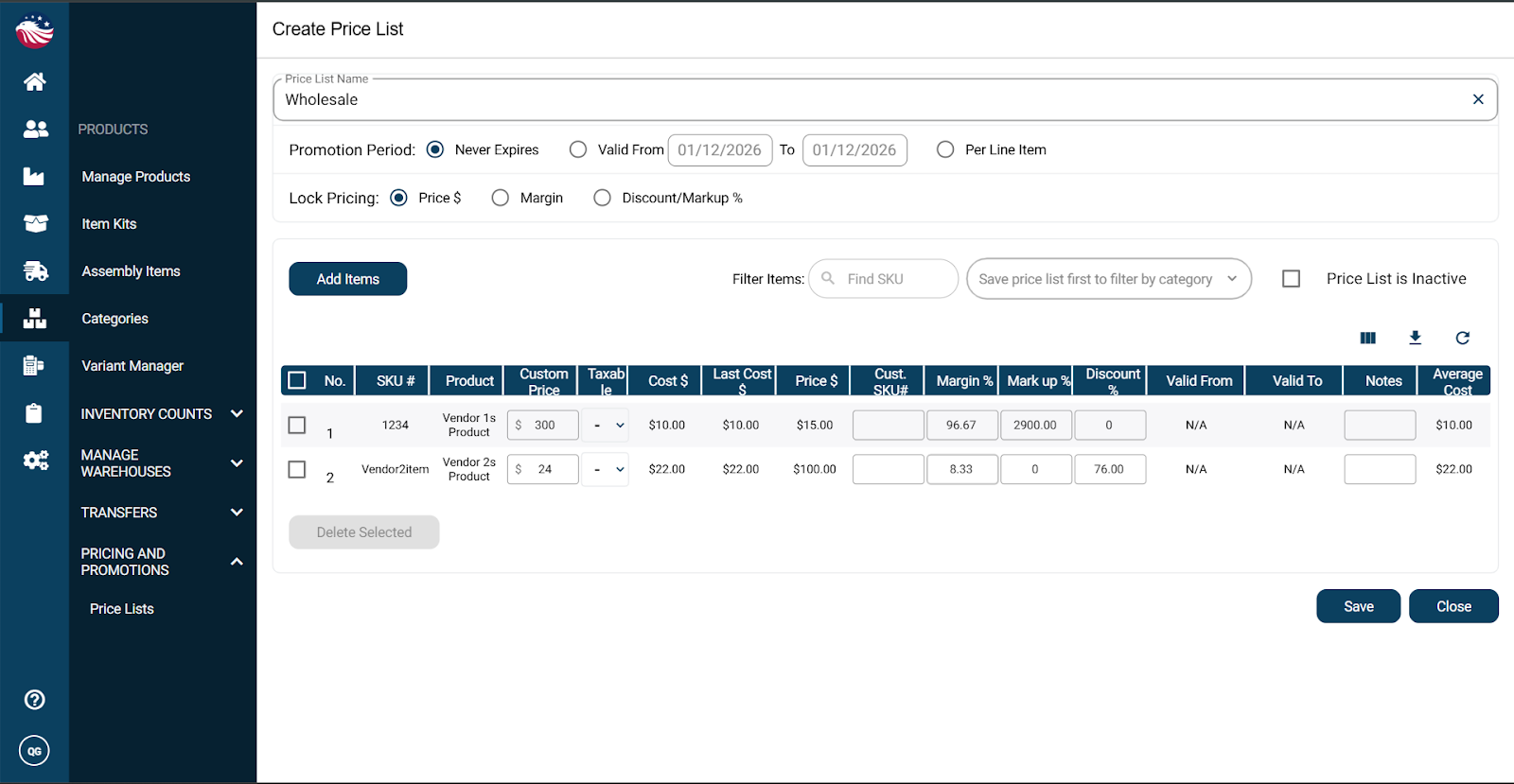
Now hit Save and then Close.
Bird’s Eye View: When setting prices, you have three powerful options to "Lock" pricing:
Lock Price: The price stays $10 forever, no matter what your cost does.
Lock Margin: If your cost goes up, the price goes up to keep your profit margin safe.
Lock Discount: The customer always gets X% off the base price.
