Stop re-entering the same shipping and tax info for your regulars.
Go to Customers > Manage Customers.
Select a Customer and scroll to Payment Info.
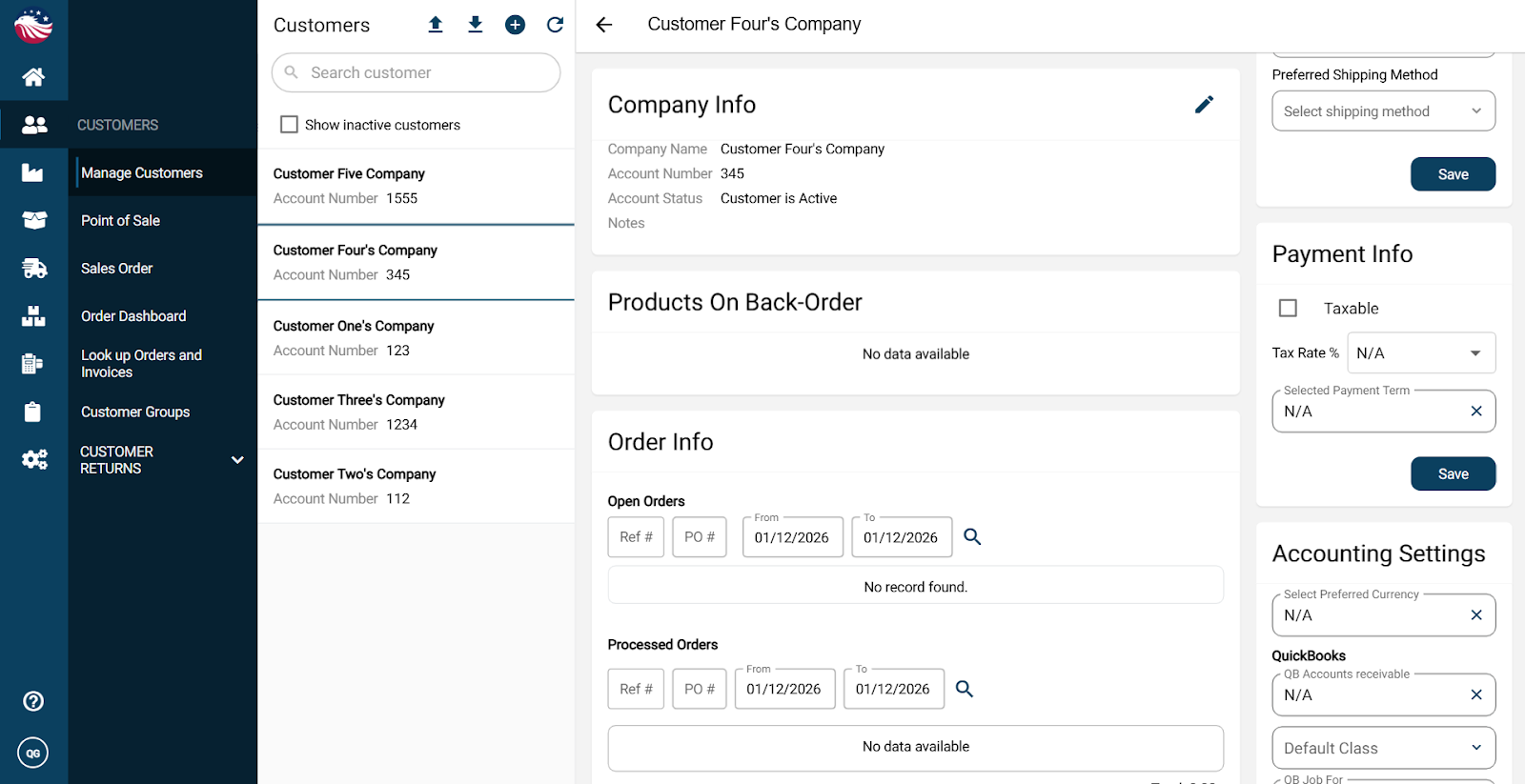
Taxes: Check the "Taxable" box and select the desired Tax Rate.
Terms: Set their default Payment Terms (e.g., Net 30).
Hit Save on the Save button for this section.
Shipping: Looking above this box in the Additional info. section, you can also set their Preferred Shipping Method and Warehouse.
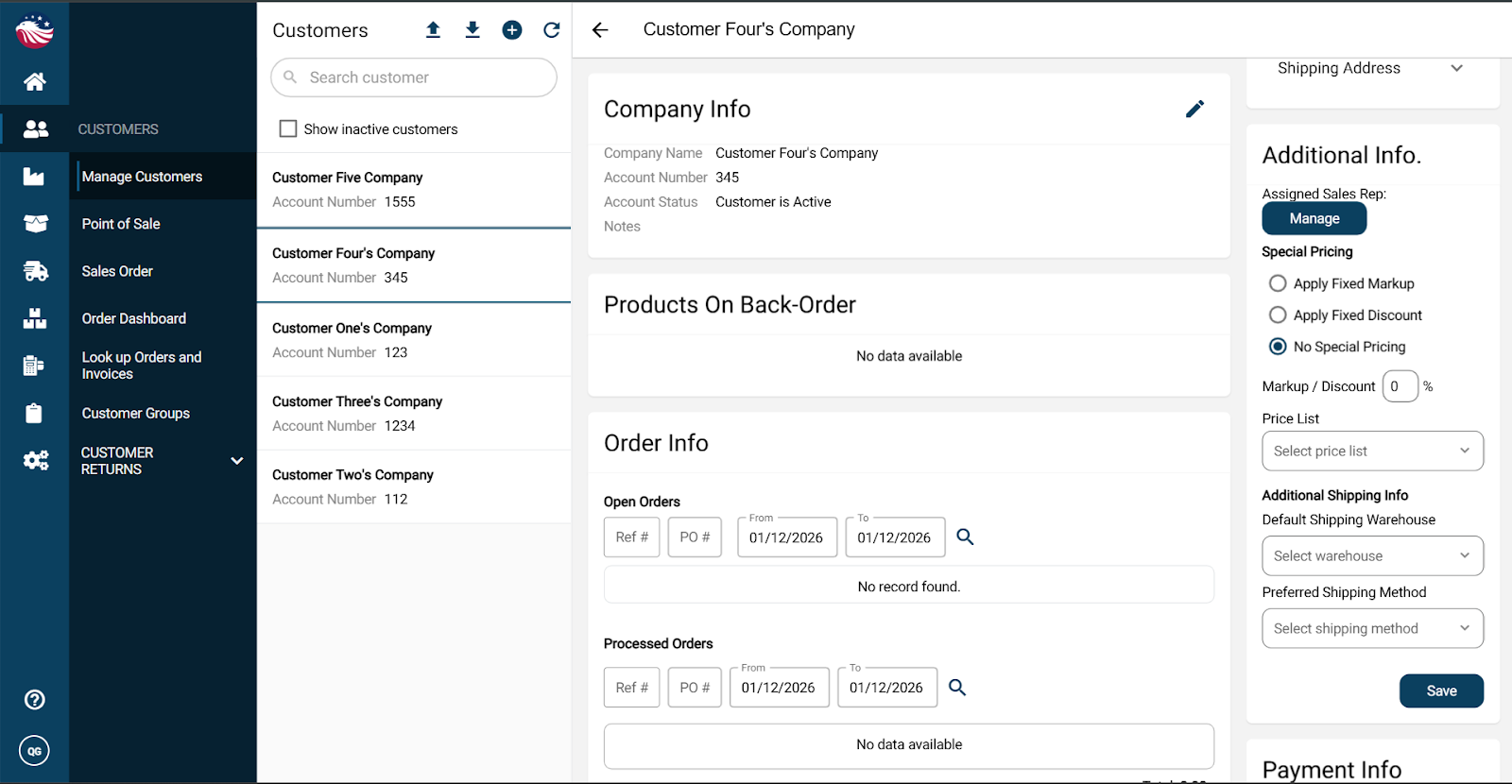
Hit Save on the Save button for this section.
Now, when you open a Sales Order for that customer you’ll notice that the Price, Tax, Payment Terms, and Carrier are all pre-filled. You just hit Checkout!
