Make your sales team’s life easier by grouping products.
Go to Products > Categories.
Click the (+) Plus Icon, name it, and choose an icon or upload an image from your computer and hit Save.
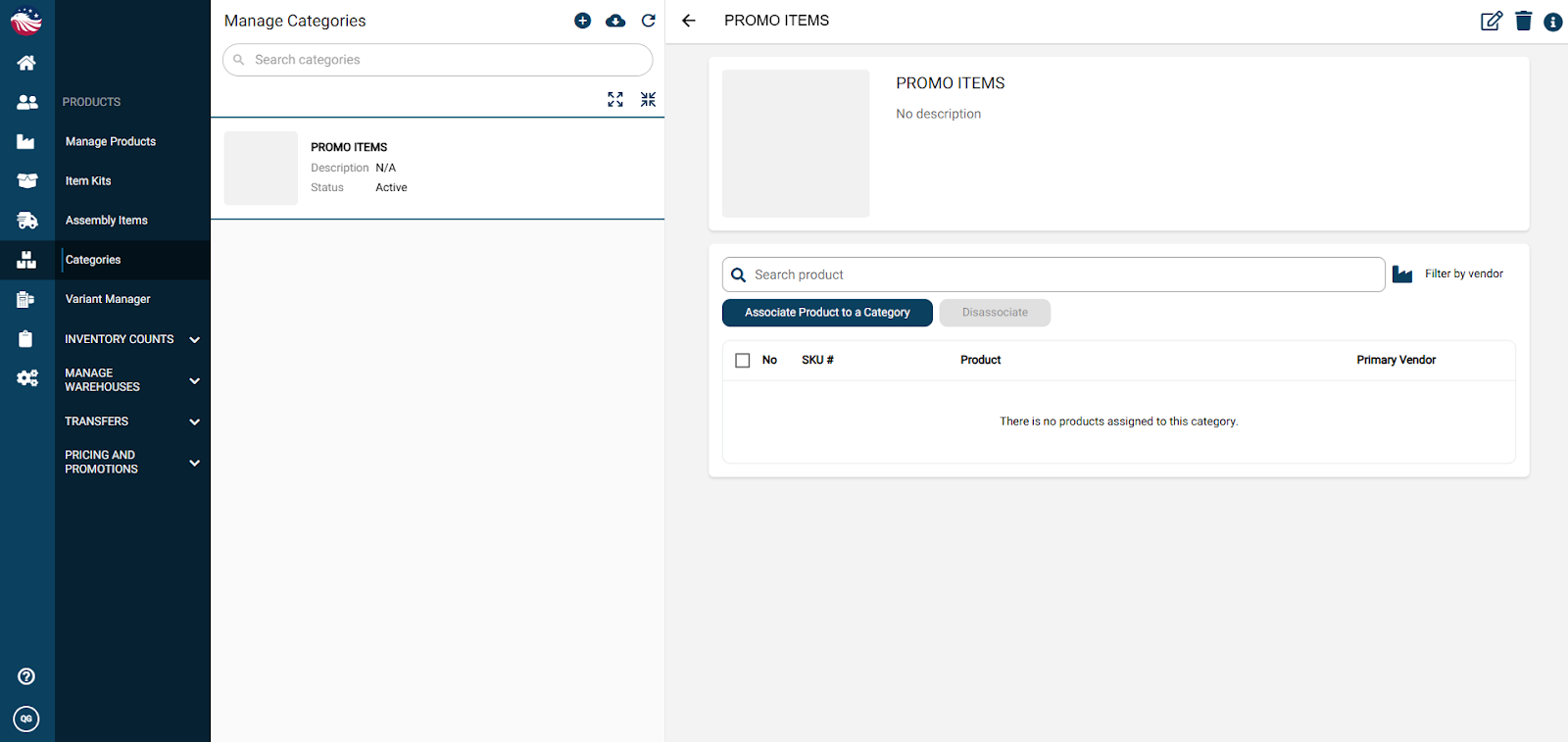
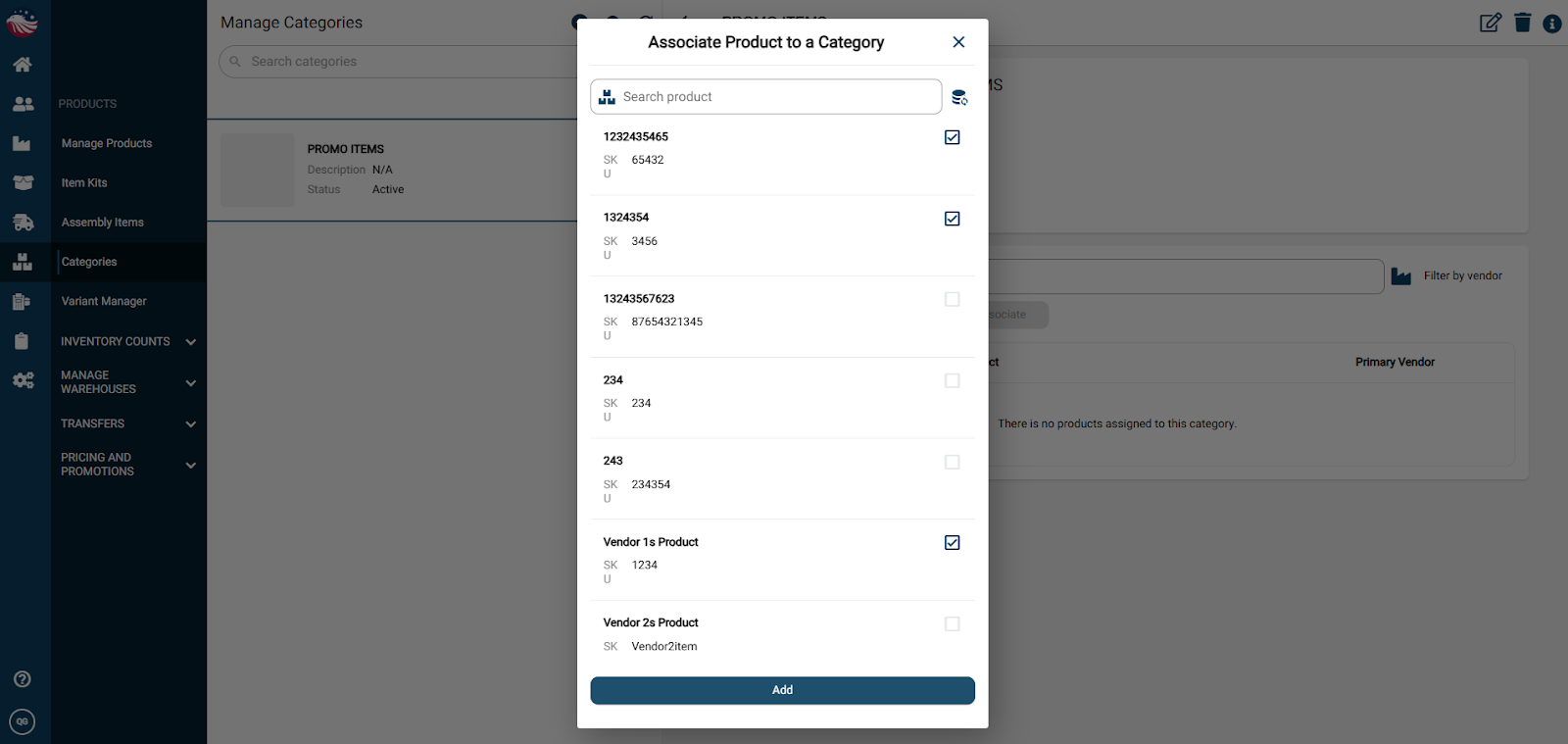
Hit Associate Product to a Category: Select the items that belong here to associate them to this category and then hit Add.
Why do this? Now, when creating a Sales Order, you can filter by category to find items instantly.
