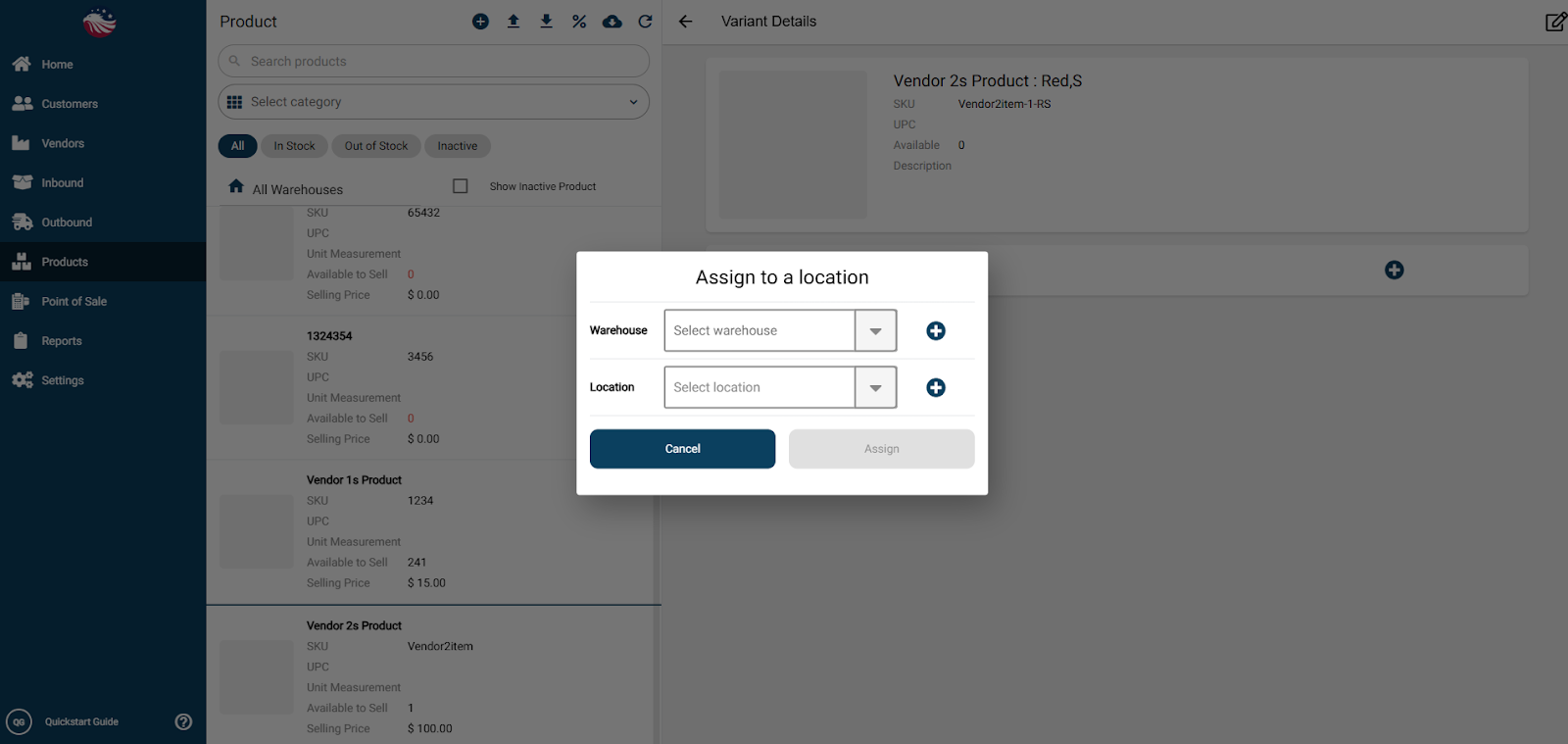
It’s important to assign each variant to a picking location. To do that, you can click on one of the product line items and click the blue plus icon in the middle of the screen. This allows you to add a picking location to the product.
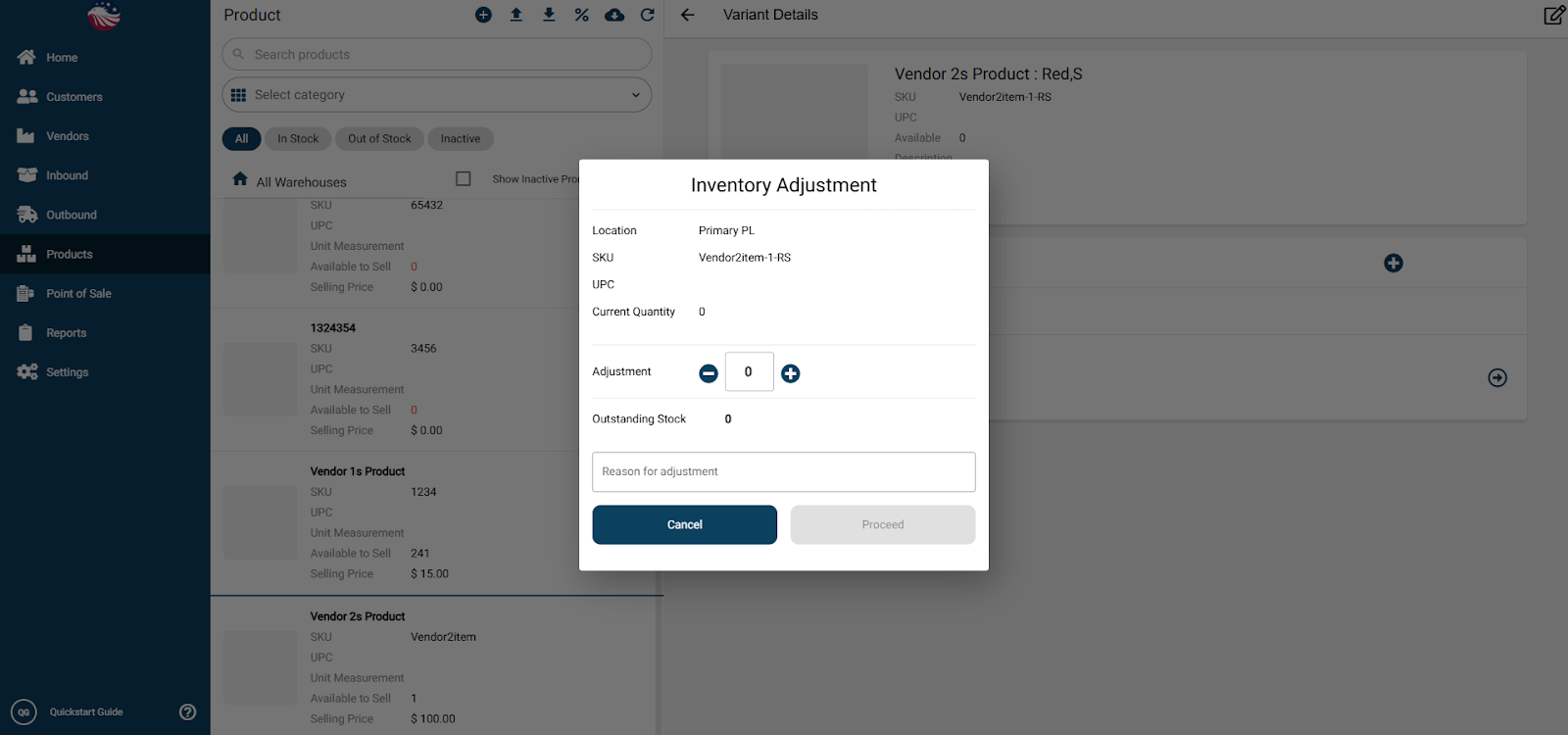
Once it has a picking location assigned, you can perform an inventory adjustment by clicking the line item and entering in the adjustment information.