Check out the full tutorial video here.
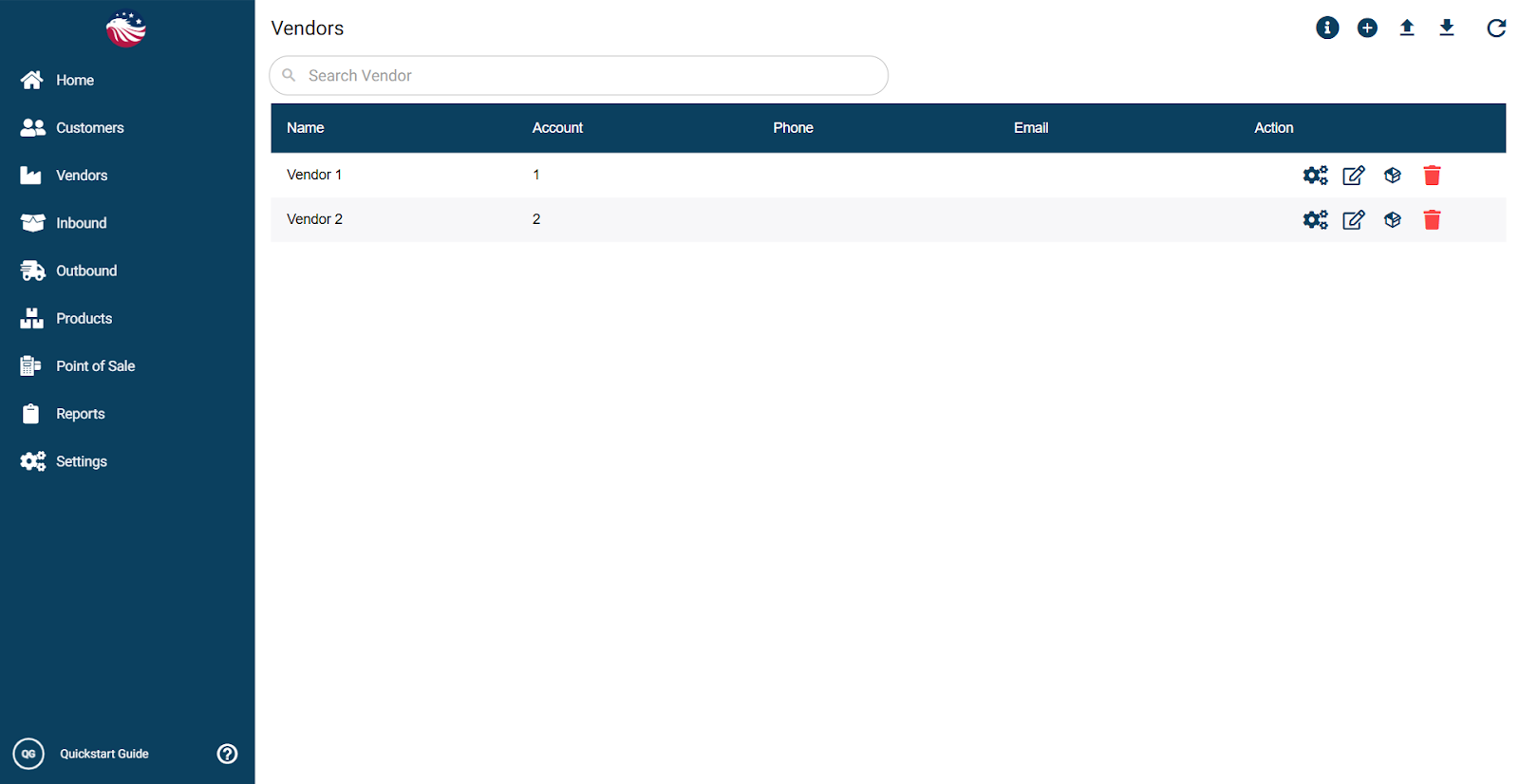
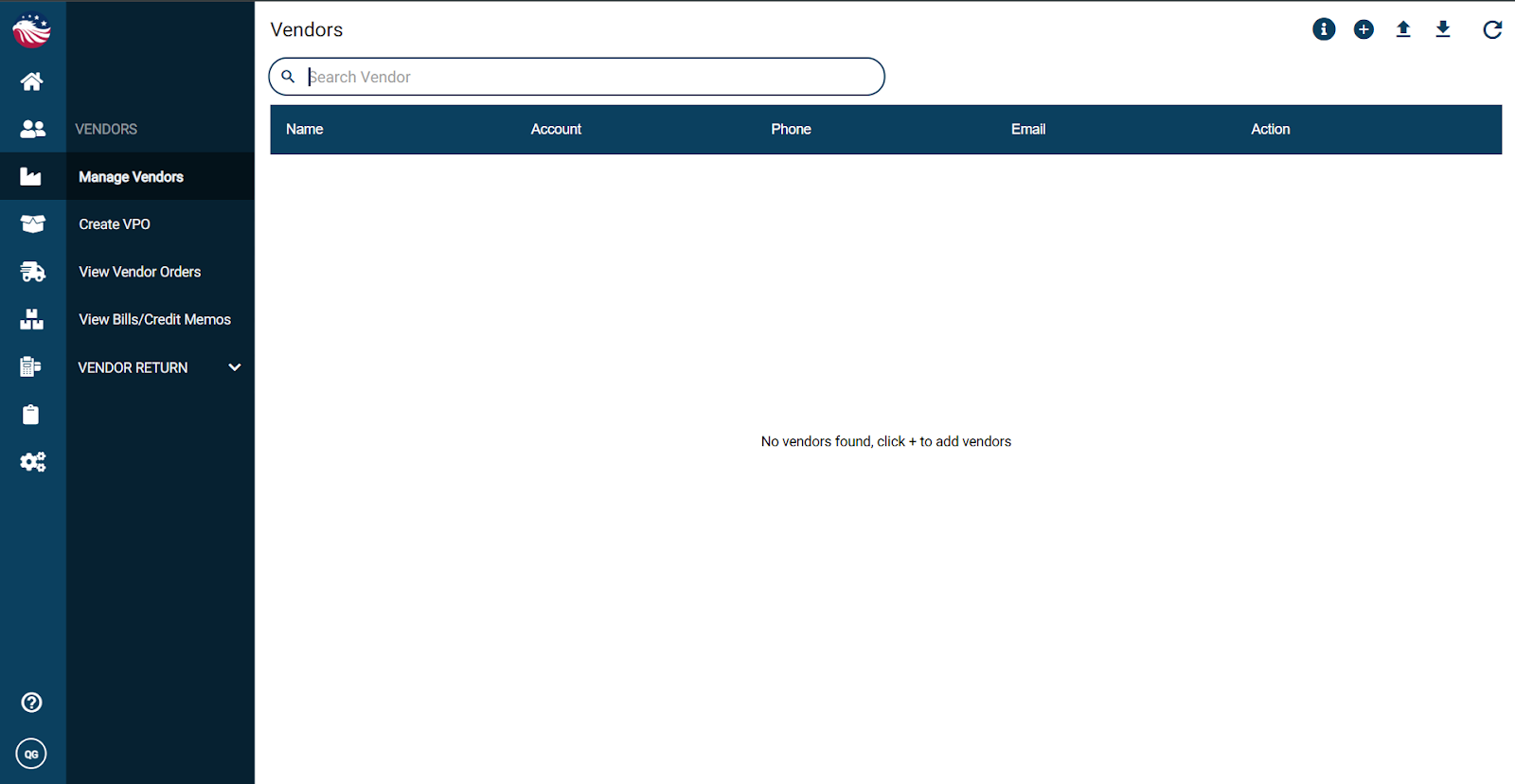
Go to Vendors > Manage Vendors
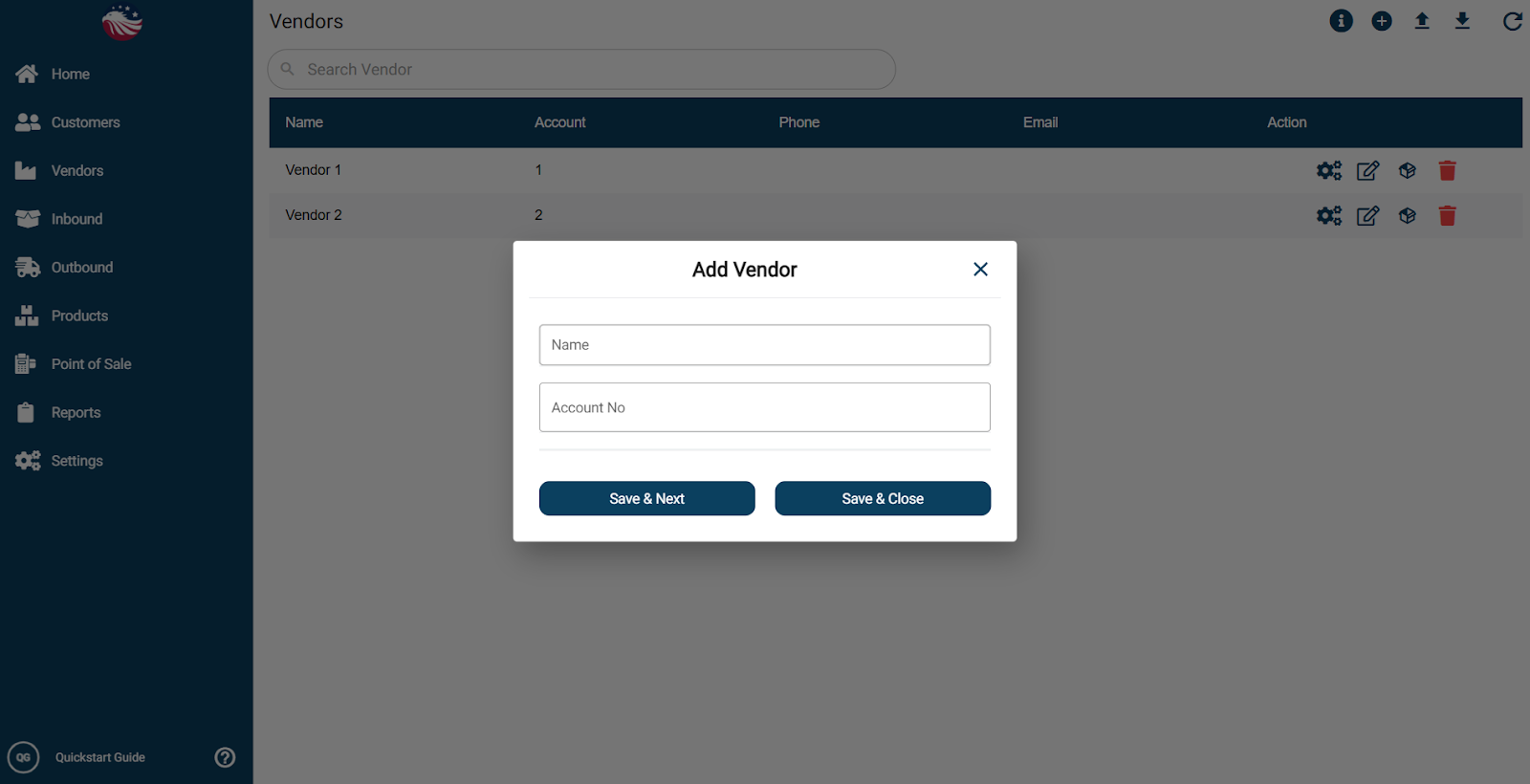
Click the plus icon
Enter the vendor name and account number
Click Save & Next (for more details like Vendor Contact Info or Address Info) or Save & Close
To edit the name or account number of the Vendor you can click on the little pencil icon on the right side of the vendor row. To change any other details, click on the gears icon.
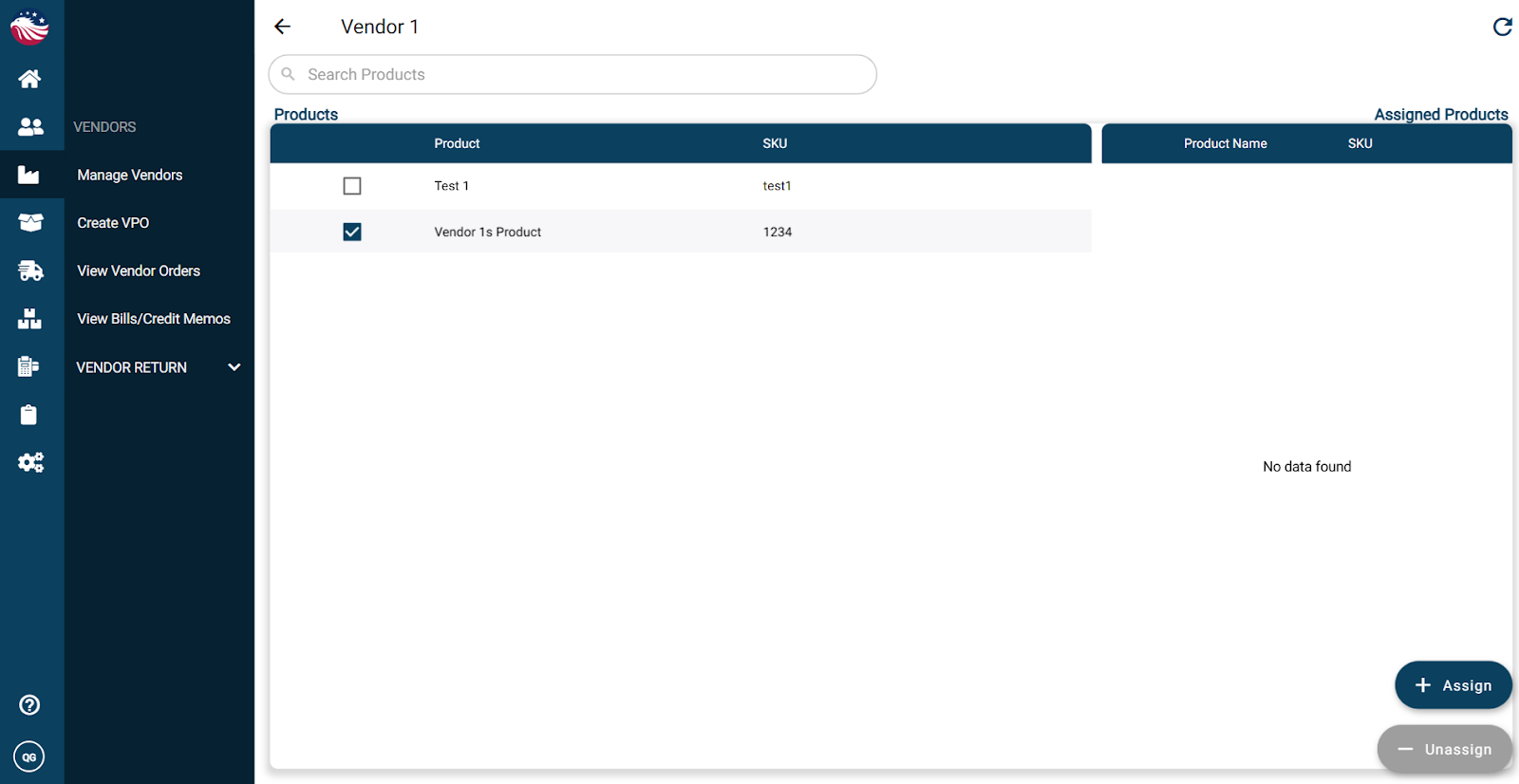
To assign products to a vendor:
Find the vendor row and click the box icon
Select the product(s)
Click Assign