Navigate to the Settings tab. You are now in the General Settings tab.
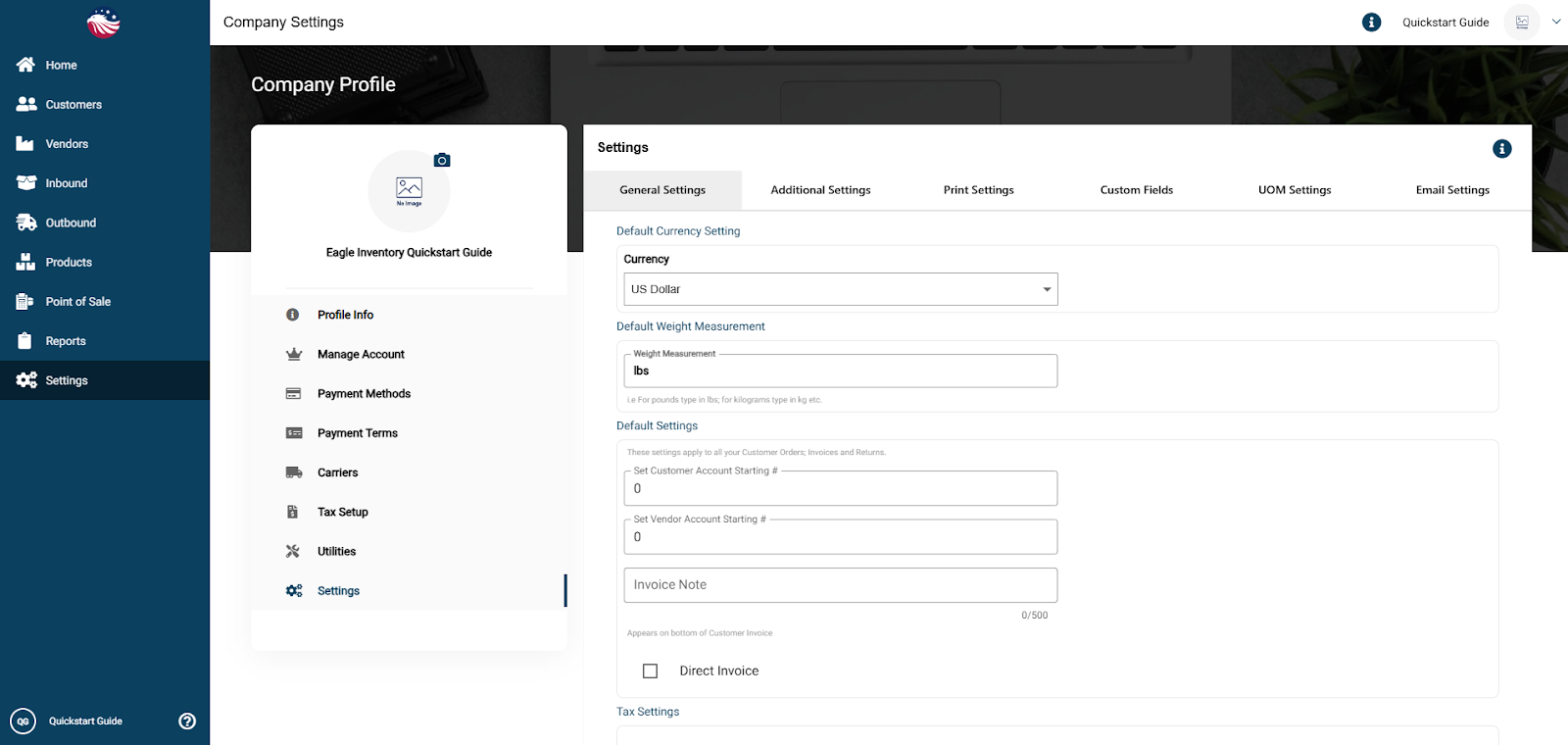
Account # Starting Defaults: You can set the starting number for you Customer or Vendor Accounts.
Direct Invoice Default: Check this if you usually skip the warehouse process and invoice immediately.
Target Stock Level (The Multiplier): This setting defines your "perfect" stock level based on your minimum safety stock.
Example: If set to 2, and your Reorder Alert Level is 100, the system will set your Target Stock to 200 (100 x 2).
Note: You can set this to any number except 1.
