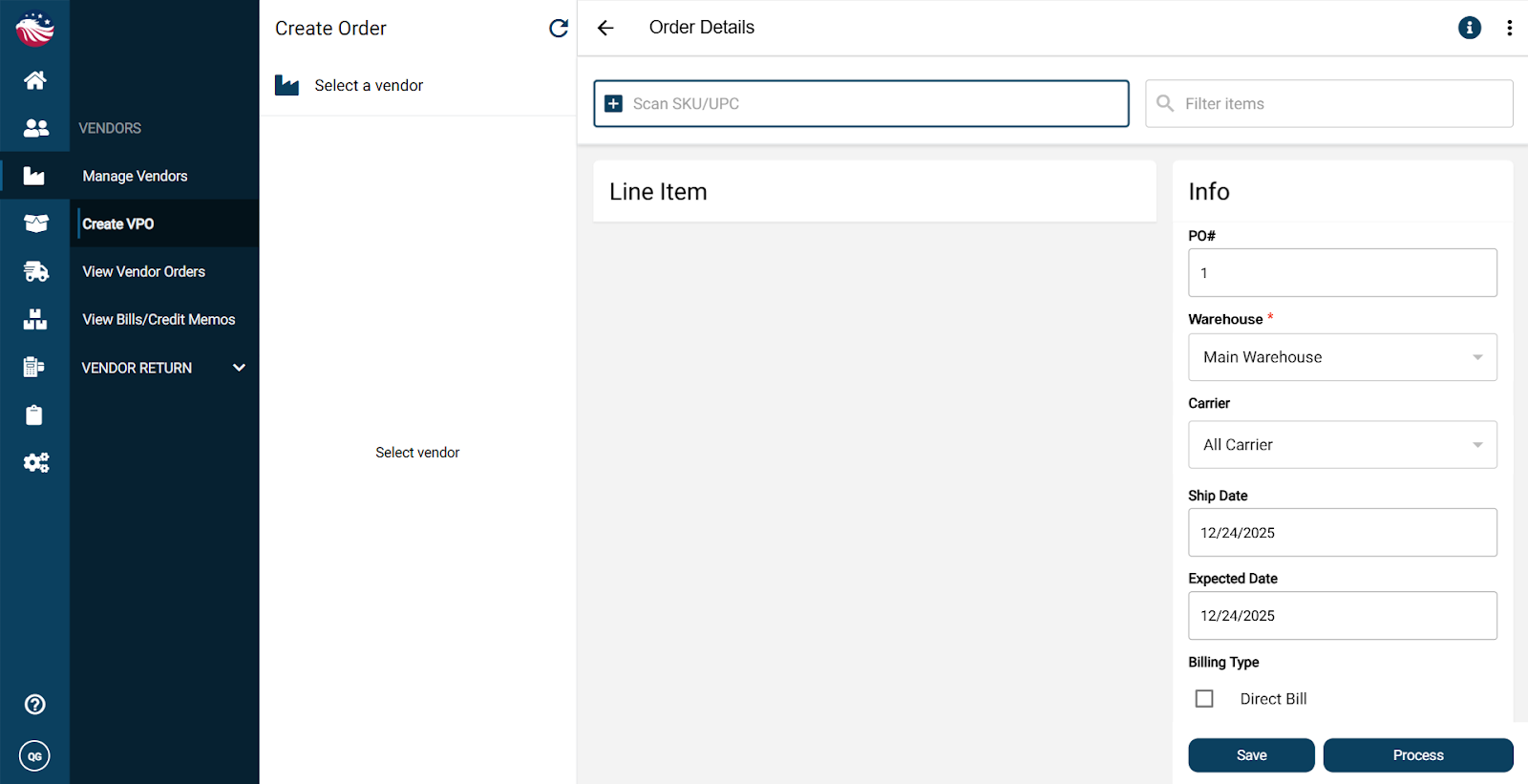
Navigate to Vendor > Create VPO
Click Select a vendor and choose your vendor
On the left, you’ll see the vendor’s products. Click items to add them to the order
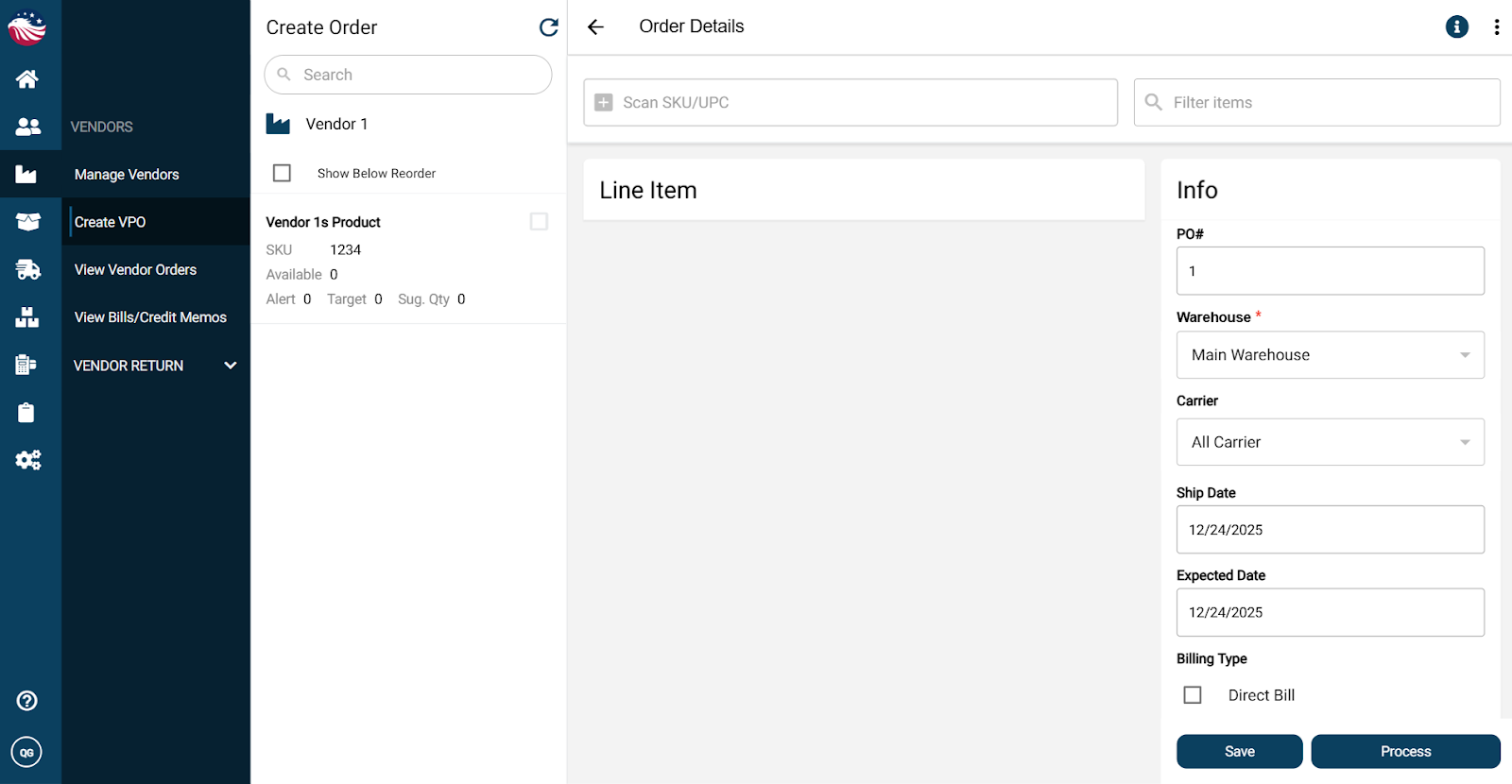
Set quantities using + / -, or click the number and type it in
Select the Warehouse you want the shipment delivered to
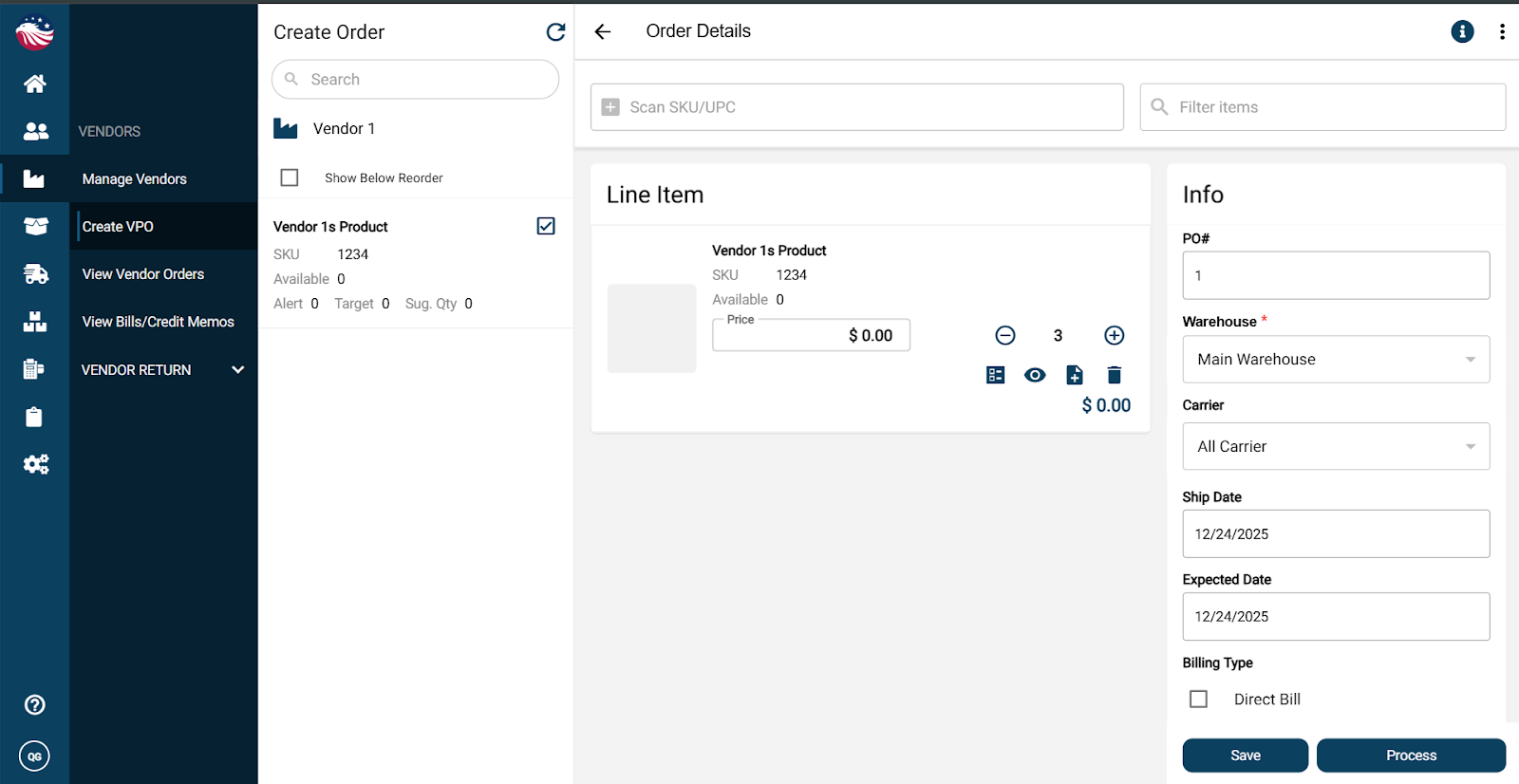
Optional: adjust pricing if you need to
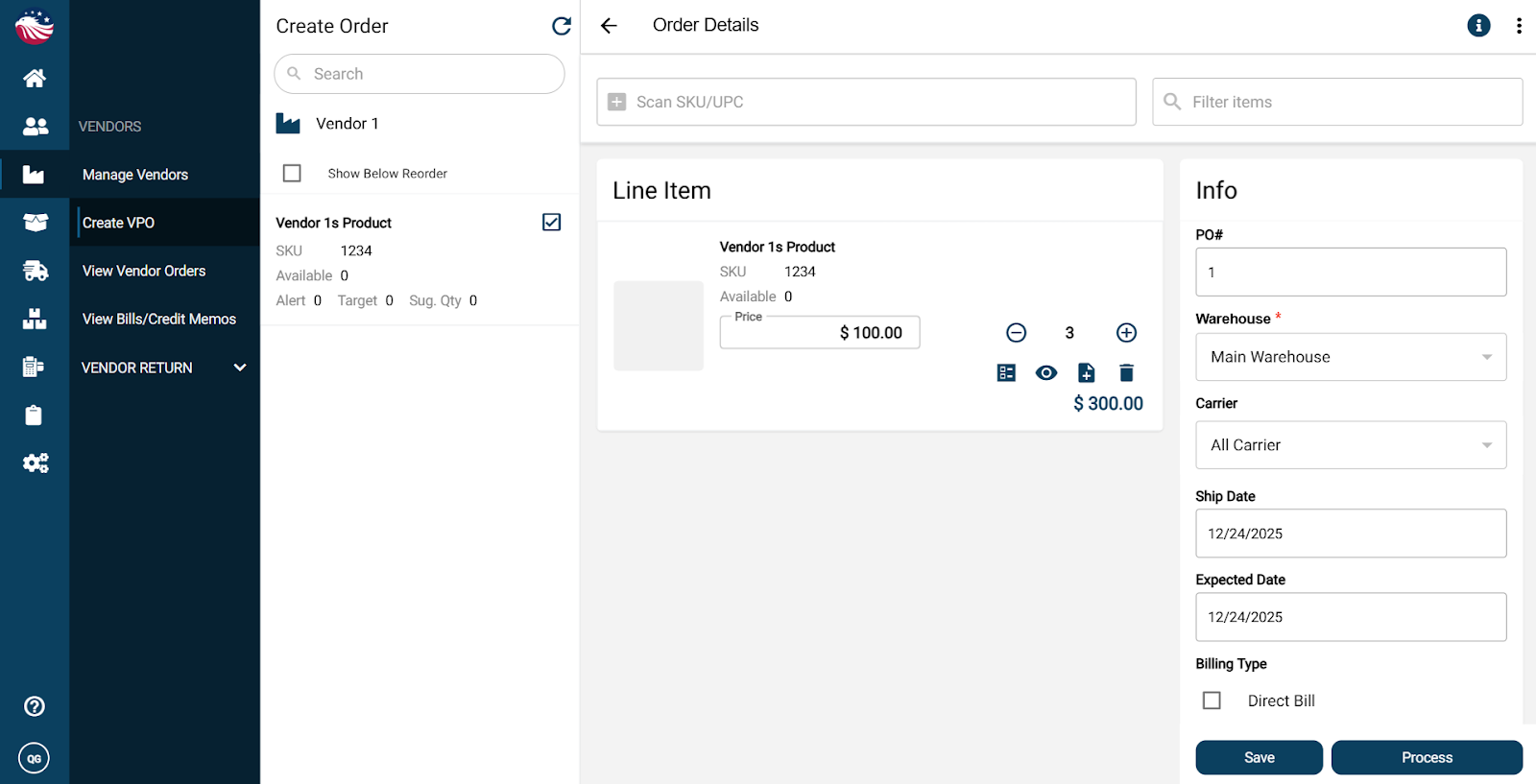
Click Process to finalize the purchase order
At this stage you can print or email the purchase order. If you skip it now, no worries, you can print it later anytime.
