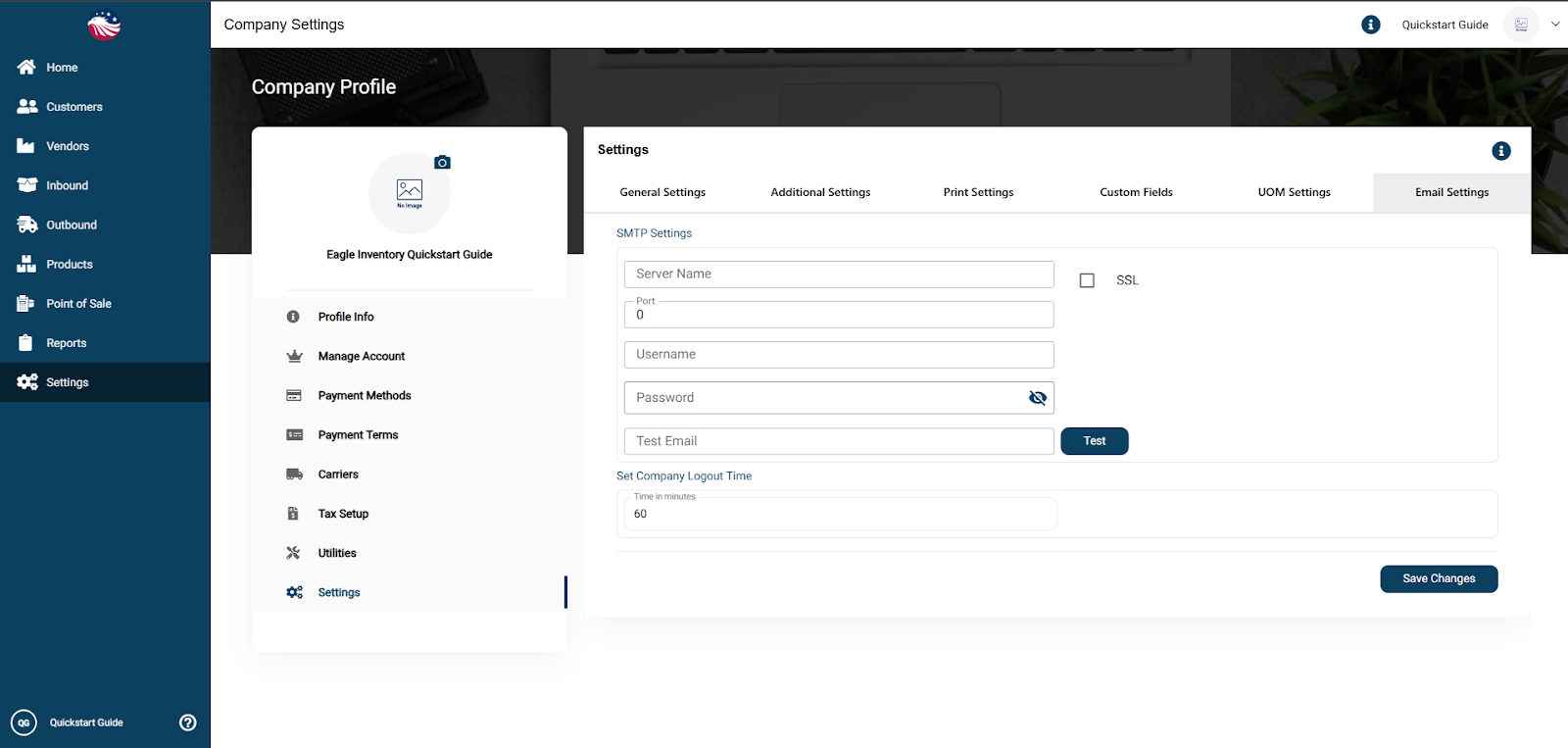
Set the From name and email address customers see for system emails like confirmations and notifications.
Click on the Email Settings tab in the top navigation bar.
Configure your sender identity. This controls the “From” name and address customers see when Eagle sends emails like order confirmations or notifications.
Did this answer your question?
😞
😐
😁
Email Settings - Configure Sender Identity | Eagle Inventory Support