Now that the roles are defined, let’s fill the seats.
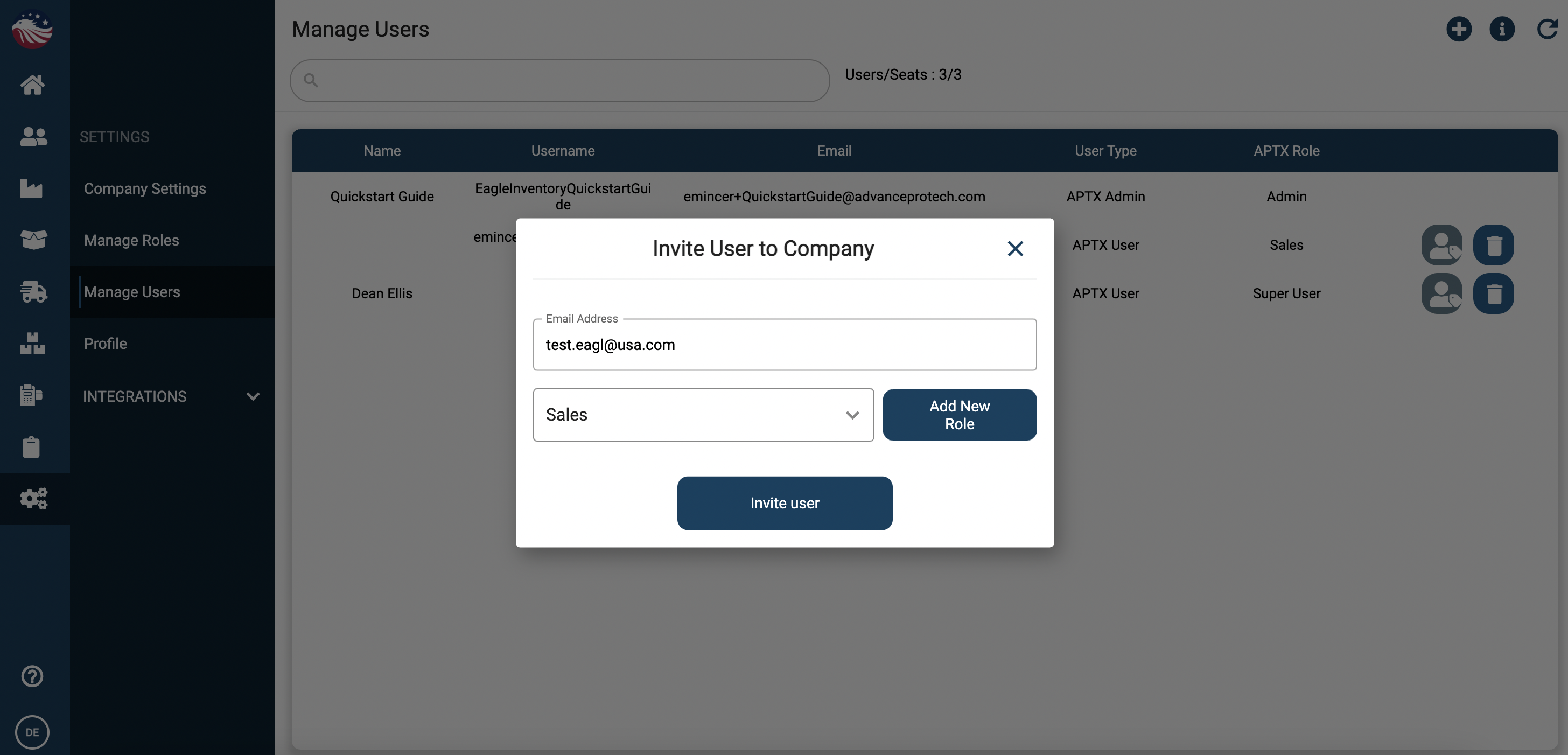
Go to Settings > Manage Users.
Check your capacity: The screen shows how many available "seats" you have left in your plan, beside the search bar on top.
Click the (+) Plus Icon.
Enter Details: Type in the user's Email Address.
Assign Role: Select the role you created in the previous step (e.g., assign them to "Warehouse Staff").
Click Invite User.
The user will receive an email to set up their password and log in.