Navigate to Inbound > Inbound Orders
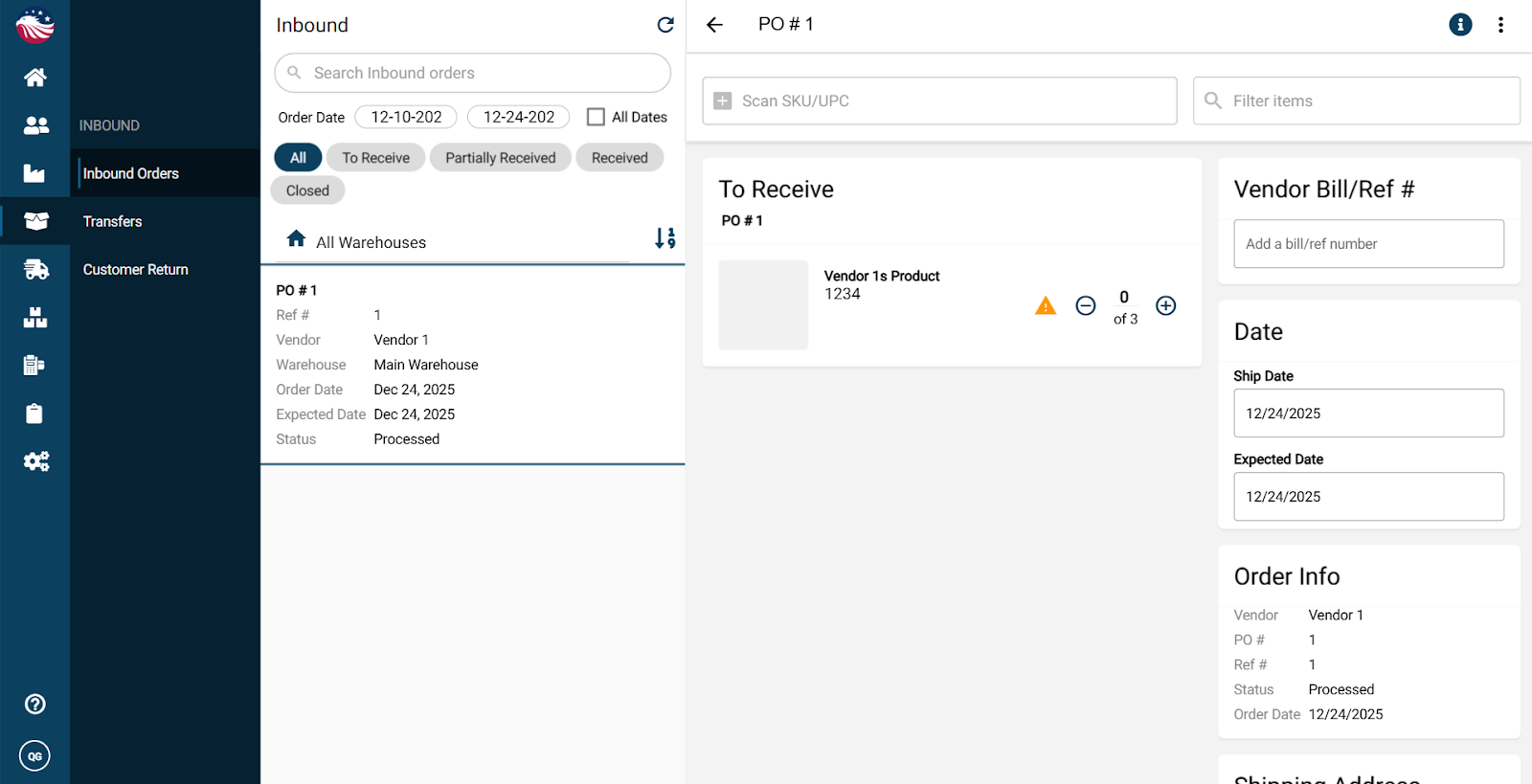
Find your purchase order (it should be waiting to be received)
Receive items by:
scanning the product SKU, or
entering quantities manually, or
clicking the + beside a line item
Want to receive everything fast? Click the 3 dots (top right) and choose Receive All
Enter the Vendor Bill/Ref # (packing slip, tag, or any reference from your vendor)
Click Receive (top right) to receive the order
Picking Location note: If a product has no picking location yet, Eagle will ask whether you want to proceed. You should add a picking location which can be done in about 30 seconds. If you don’t know how then check out our help center article on Adding Picking Locations for instructions.
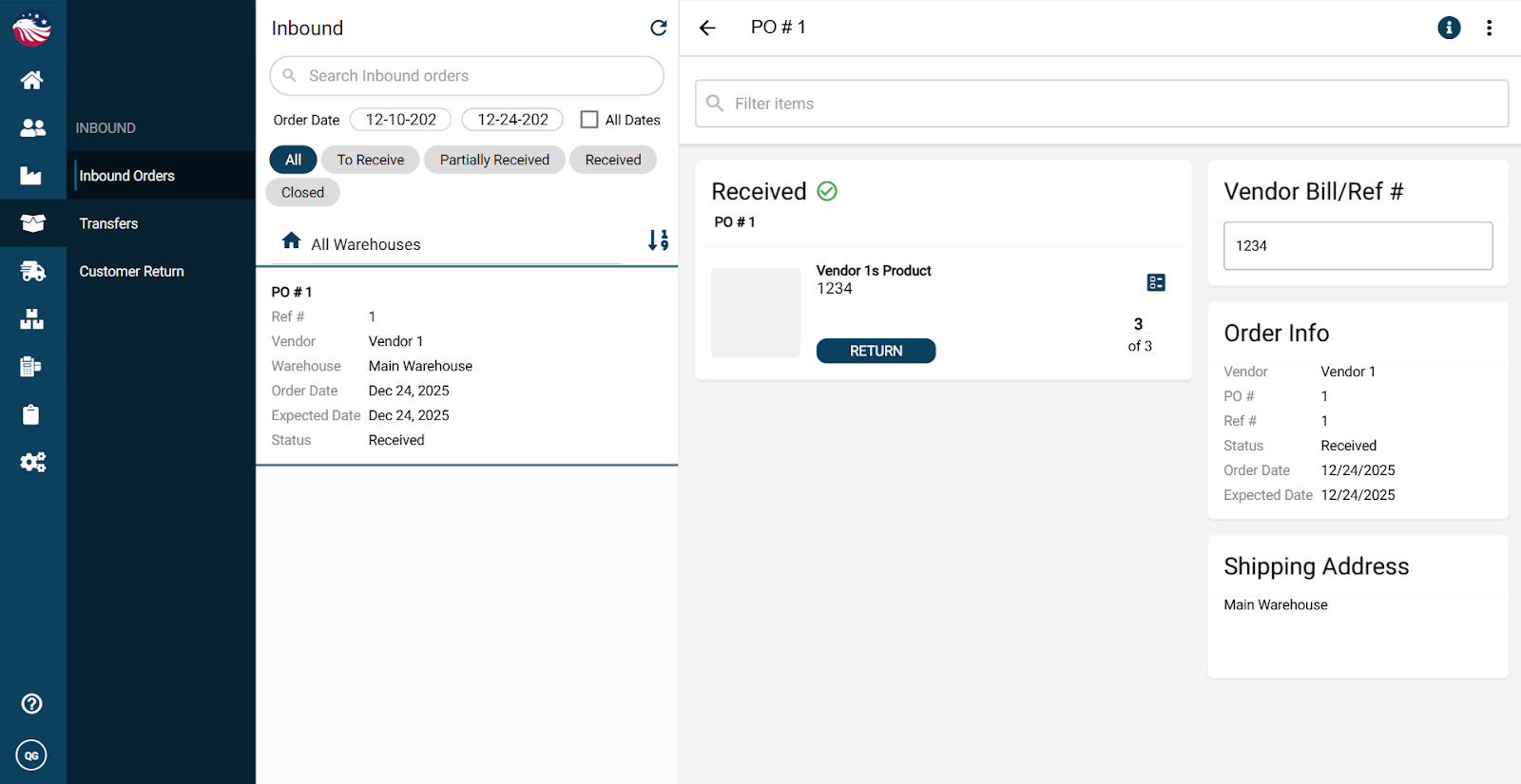
Once received:
your inventory updates right away
the purchase order appears as a vendor bill with status Received
